Hardware Manual
16
Access the Camera
Now that the camera and the PC are both having their unique IP addresses and are under the
same network segment, it is possible to use the Web browser of the PC to access the camera.
You can use Microsoft Internet Explorer to access the camera
When using Internet Explorer browser, the ActiveX control for video stream management will
be downloaded from the camera directly – the user just has to accept the use of such control
when prompted so. No other third party utilities are required to be installed in such case.
NOTE: If Windows does not prompt you to install ActiveX, follow these steps to turn off UAC:
Click the Start button, and then go to Control Panel. In the search box, type UAC, then click
Change User Acount Control Settings. Move the slider to Never Notify position, and then
click OK. After UAC is turned off, log in again.
The following examples in this manual are based on Internet Explorer browser in order
to cover all functions of the camera.
Assuming that the camera’s IP address is 192.168.0.100, you can access it by opening the
Web browser and typing the following address into Web browser’s address bar:
http://192.168.0.100
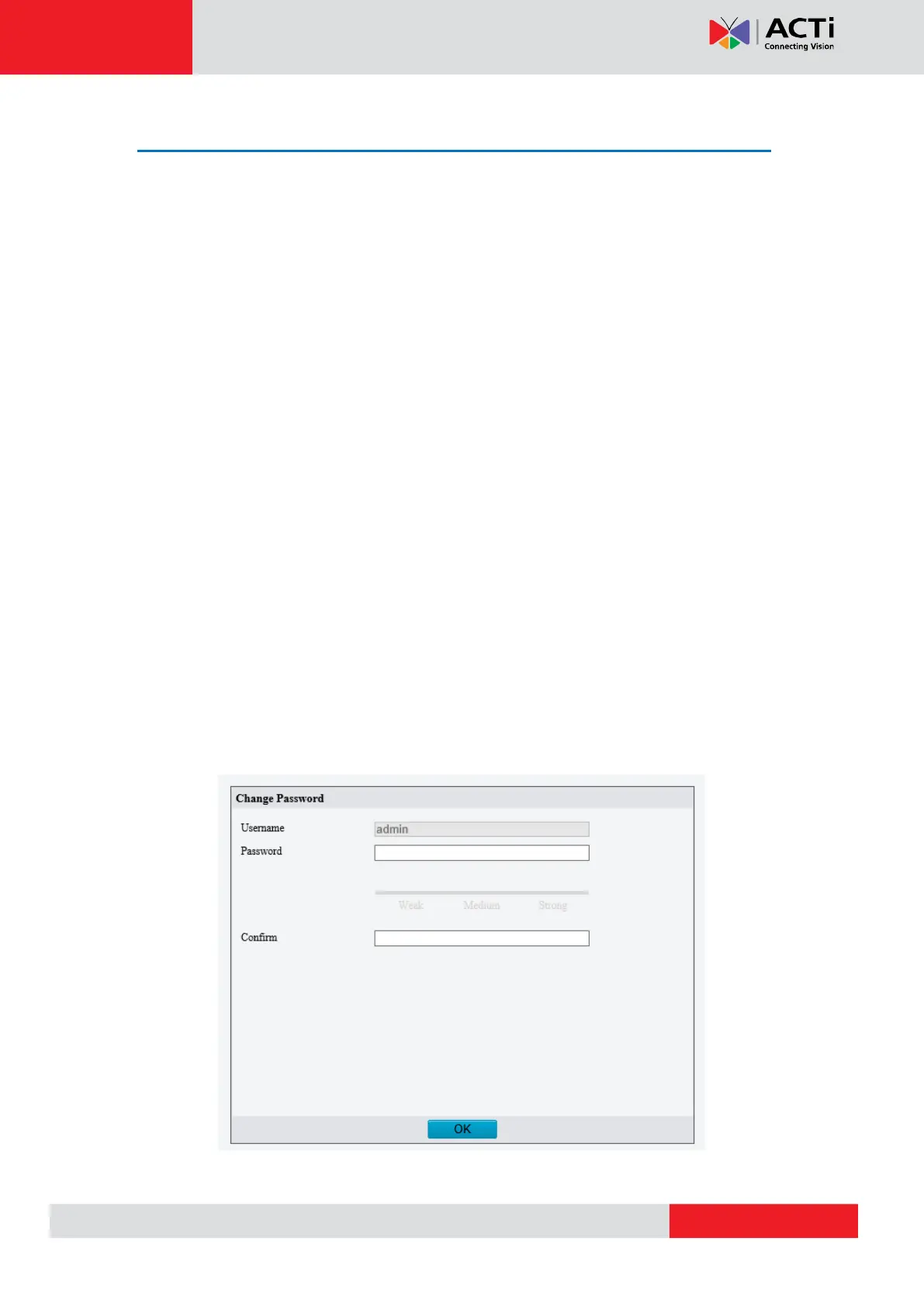
Before logging in, you need to setup the root Account and Password of the camera. The
password must contain upper and lower case letters, numbers and special characters.



 To Next Page