Hardware Manual
8
Package Contents
Contact your local dealer if the package is damaged or incomplete. The attachments may vary
with models, please see the actual model for details.
Camera
Quick Installation Guide
Screw Pack
Drill Template
Cable gland
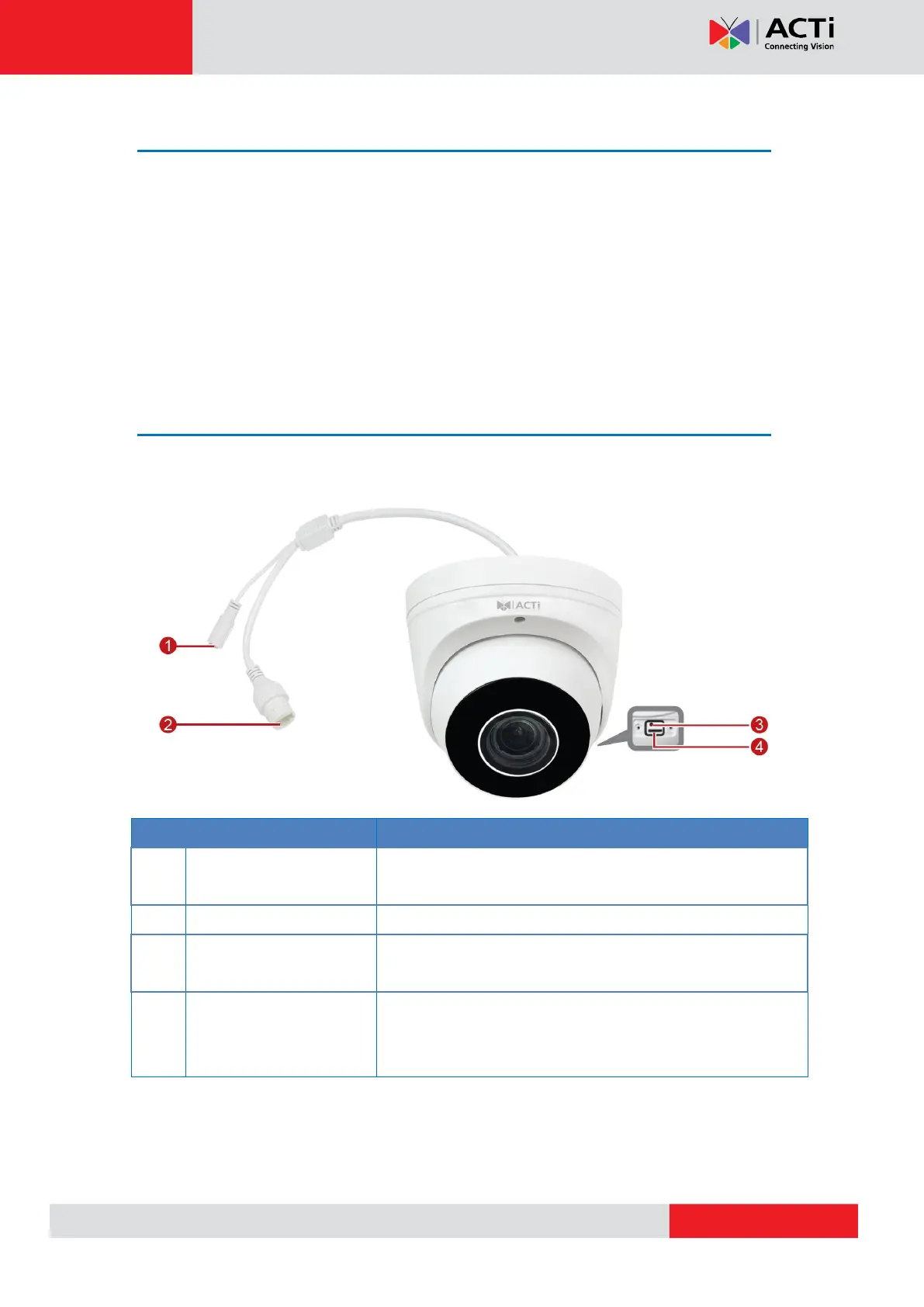
Physical Description
Z81 / Z82
This connector is used to connect to a DC 12V power
adapter if a non-PoE network connection will be used.
Connects to a network using an Ethernet cable.
Press and hold to reset the camera to its default factory
settings.
Insert a memory card into this slot for local recording
purposes.
NOTE: Supports microSDHC and microSDXC cards.



 To Next Page