Hardware Manual
11
Install Memory Card (Optional)
Install the memory card first, then format the card in the software interface before use.
Disconnect the camera from the power before installation, otherwise the camera or the
memory card may be damaged.
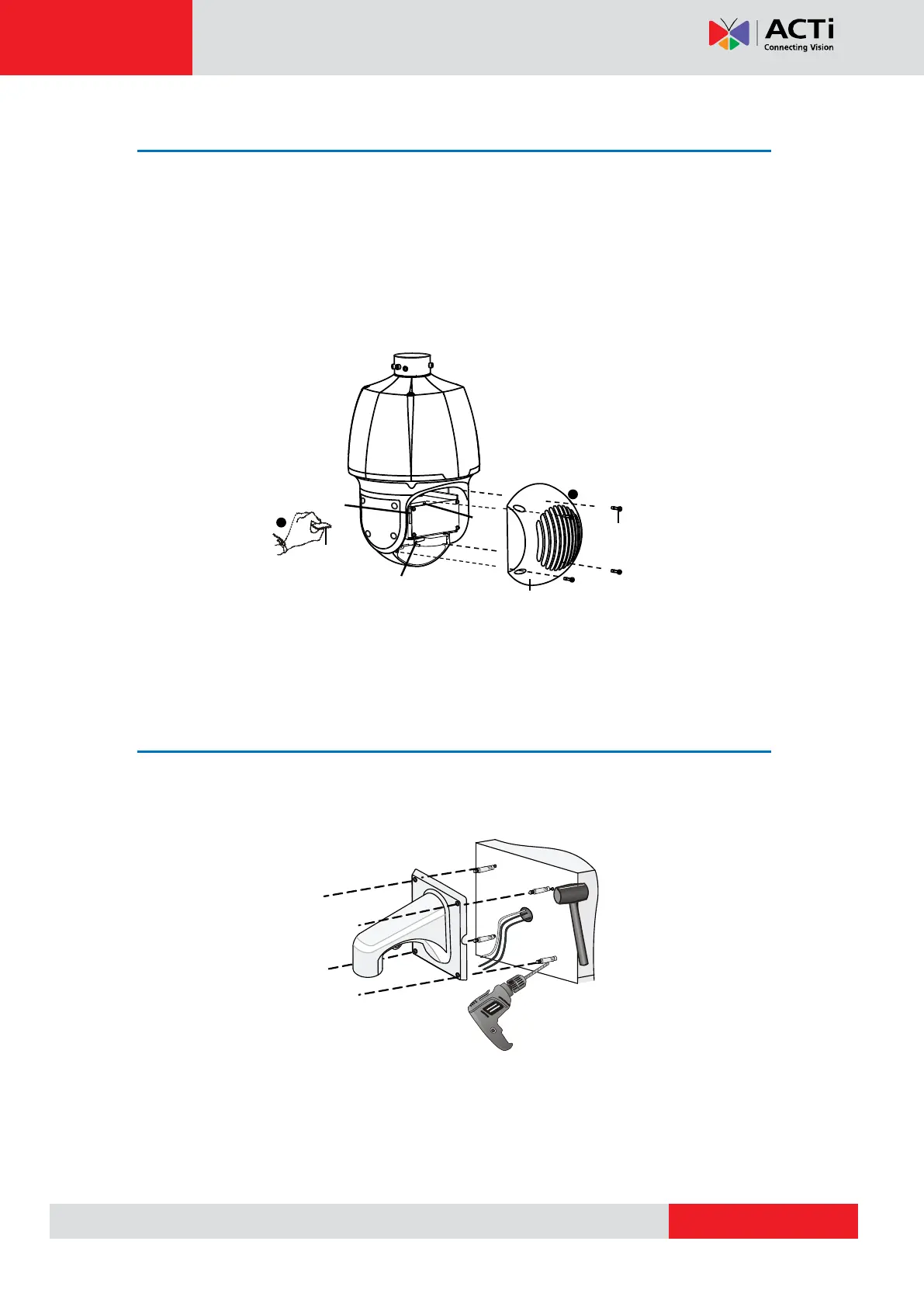
1. Unscrew the four cross-recessed screws to remove the back cover.
2. Insert the memory card in Slot 1 as indicated on the figure below.
3. Attach the back cover.
4. Properly mount the waterproof ring in position.
Mounting on the Wall
1. Mark the positions of the holes by referring to the mount points of the bracket and lead the
cable through the hole on the wall. Then drill holes and knock the expansion bolts.
Screw
Back cover
Micro SD card



 To Next Page