Hardware Manual
13
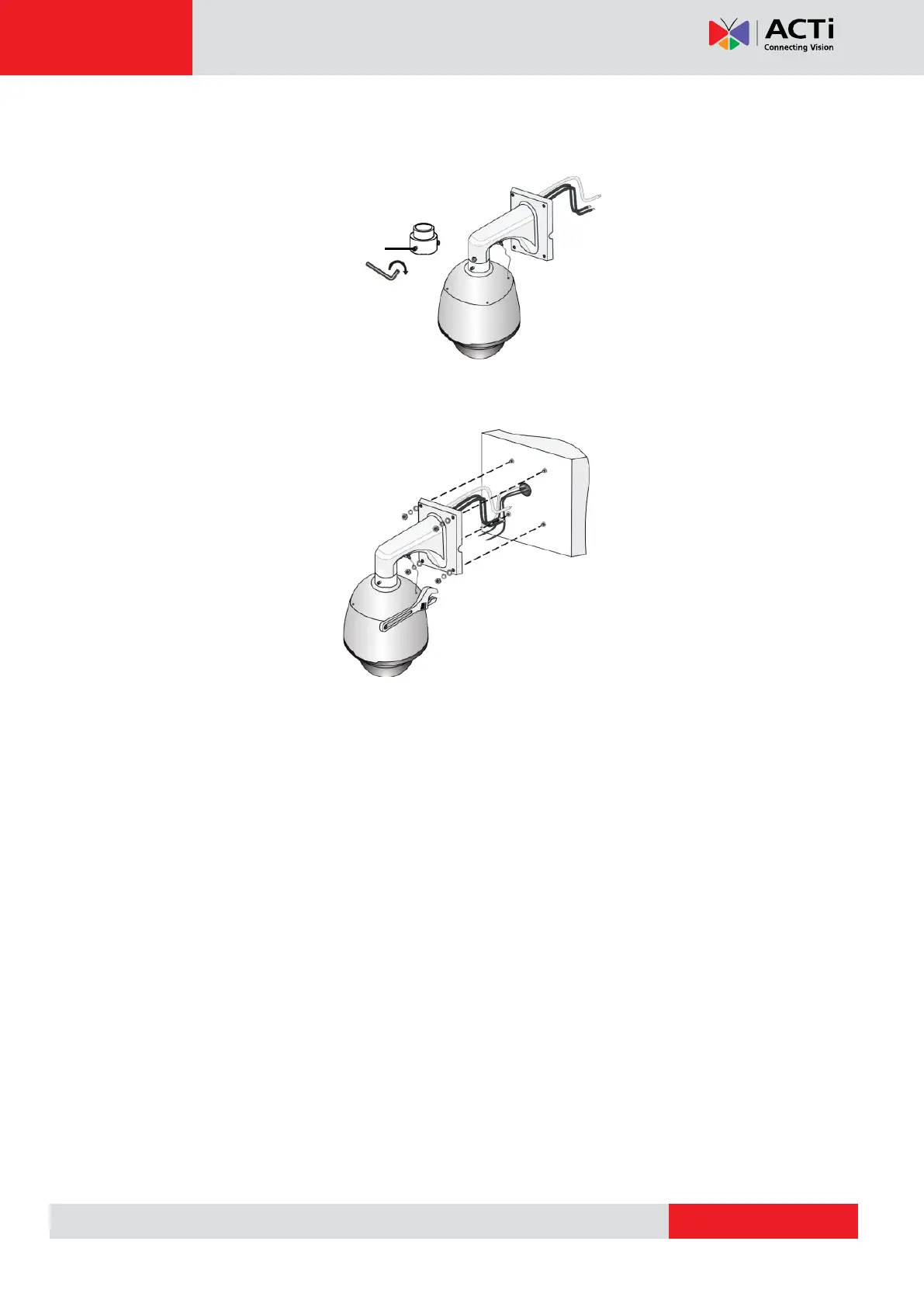
5. Secure the dome with two M5 screws.
6. Connect the cables and attach the bracket to the wall with flat pads, washers and nuts.
NOTE:
When mounting the camera, install the bracket adapter to the bracket first and
then mount the camera to the bracket.
Tighten all the screws to hold the camera securely.
For waterproofing, apply sealant between the camera and the bracket, wall
veneer slits, and leading-out holes of the wall.
The above installation describes concealed installation. To implement open
installation, directly lead the cable out from the cable slot on the bracket.



 To Next Page