Hardware Manual
13
Step 2: Route the Cables
Determine whether the cable will pass through a hole on the surface or be routed along the
surface:
If the cable will pass through a hole on the surface:
1. Drill the hole for the cable on the surface.
2. Route the cable from the network side and connect it to the Ethernet port of the camera.
NOTE: If the camera will be installed outdoors or in places wherein environmental factors
change drastically, make sure to waterproof the cable connection; see Step 4: Connect and
Manage the Cable on page 15 for instructions.
3. Push the cable through the hole on the surface.
4. Skip to Step 3: Mount the Camera on page 14.
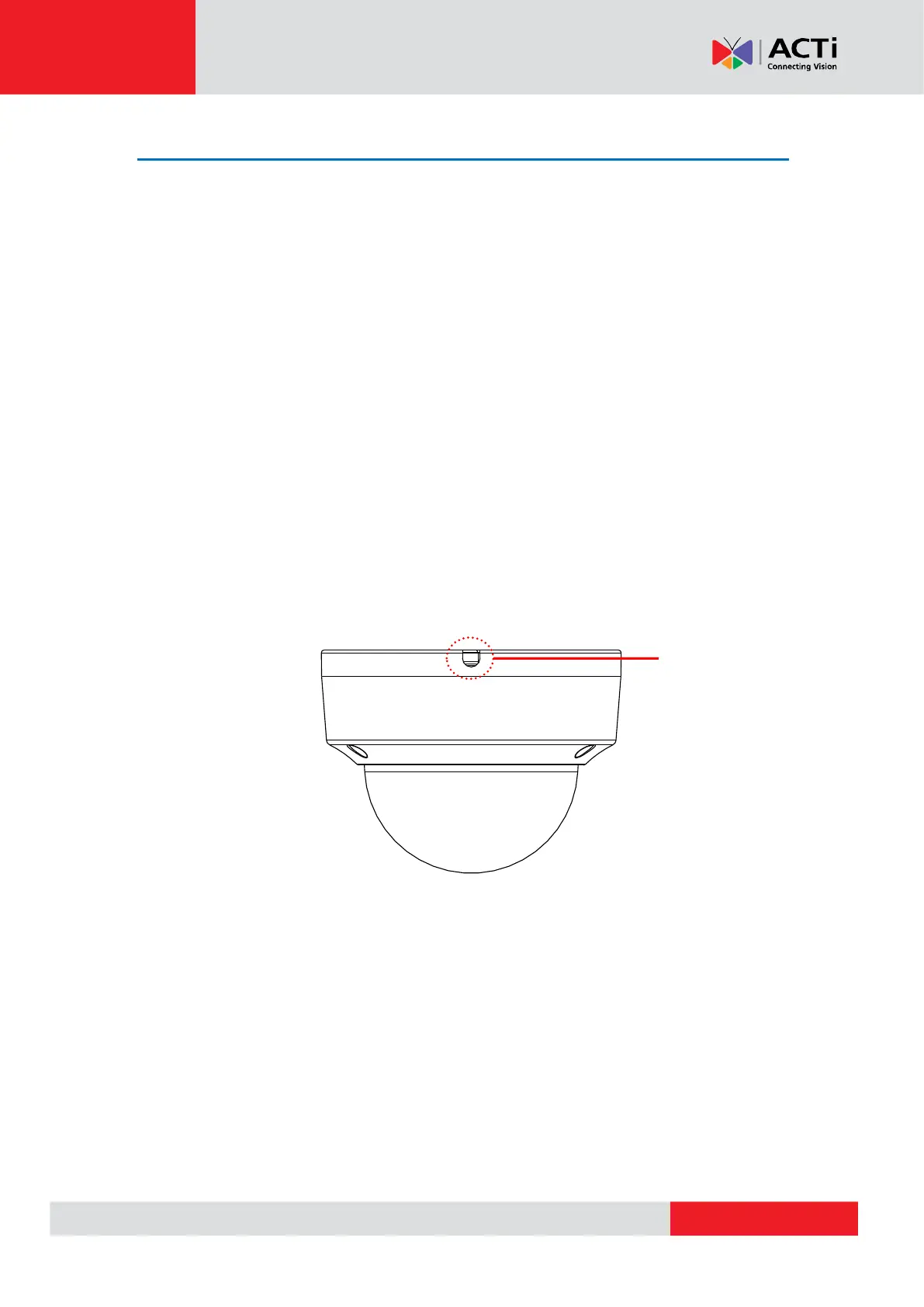
If the cable will be routed along the surface, route the cable through the gap on the side of
the camera.



 To Next Page