Restore Default Settings
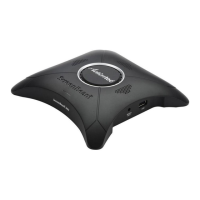
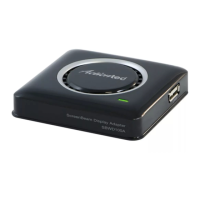
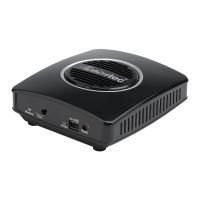
To restore the Receiver's default factory settings:
1. Power on the Receiver, and wait until the Ready to Connect screen
appears.
2. Hold down the Receiver's Reset button.
3. When the Resetting to Factory Defaults screen appears on the HDTV,
release the Reset button.
e Receiver reboots. Once this is complete, the Receiver will be running
with its default settings.!


 To Next Page