8-1. Playback mode
●
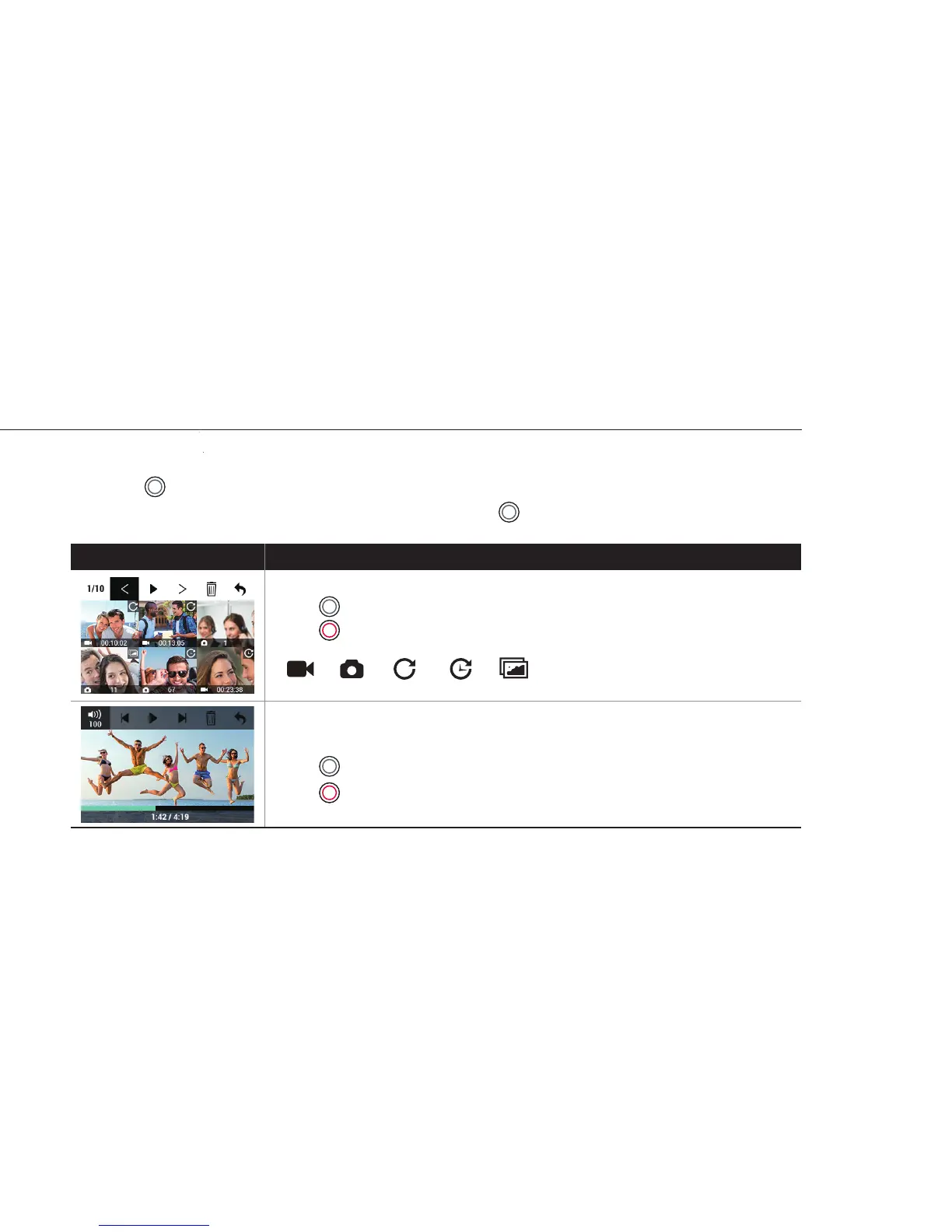
User can view recorded video or photo on the screen.
●
Press ( ) button to select control panel on top menu.
●
While the le is playing, you can call the play control panel by ( ) button.
Thumbnail view
Press ( ) button to choose le.
Press ( ) button to select.
Below icons indicate dierent shooting modes.
Video playback
Press ( ) button to use control panel.
Press ( ) button to select.
Function Operation
8
( Video / Photo / Looping / Timelapse / Burst )



 To Next Page