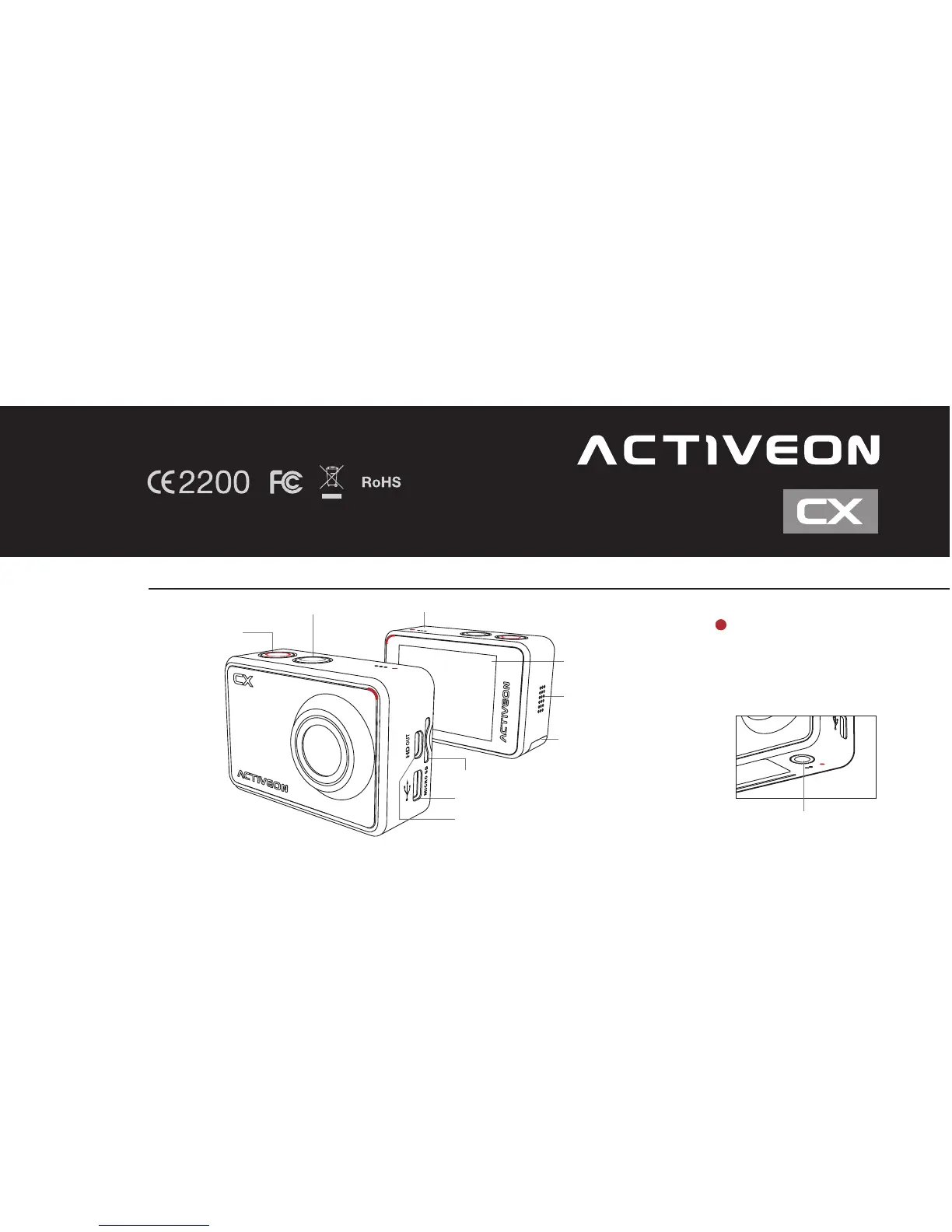
1. Name of each part
1
ENGLISH
www.activeon.com
* Please read this manual carefully before the use!
Mode / Navigation Internal MIC
Power / Shutter
LED Indicator
(Top, Bottom, Front, Back)
LCD Screen
Li-ion
battery slot
HD OUT
* Please use “Micro HDMI" cable on HD OUT port.
* Cable not included.
Mini USB port
microSD Card Slot (microSD Card not included)
Tripod hole (Bottom)
Speaker



 To Next Page