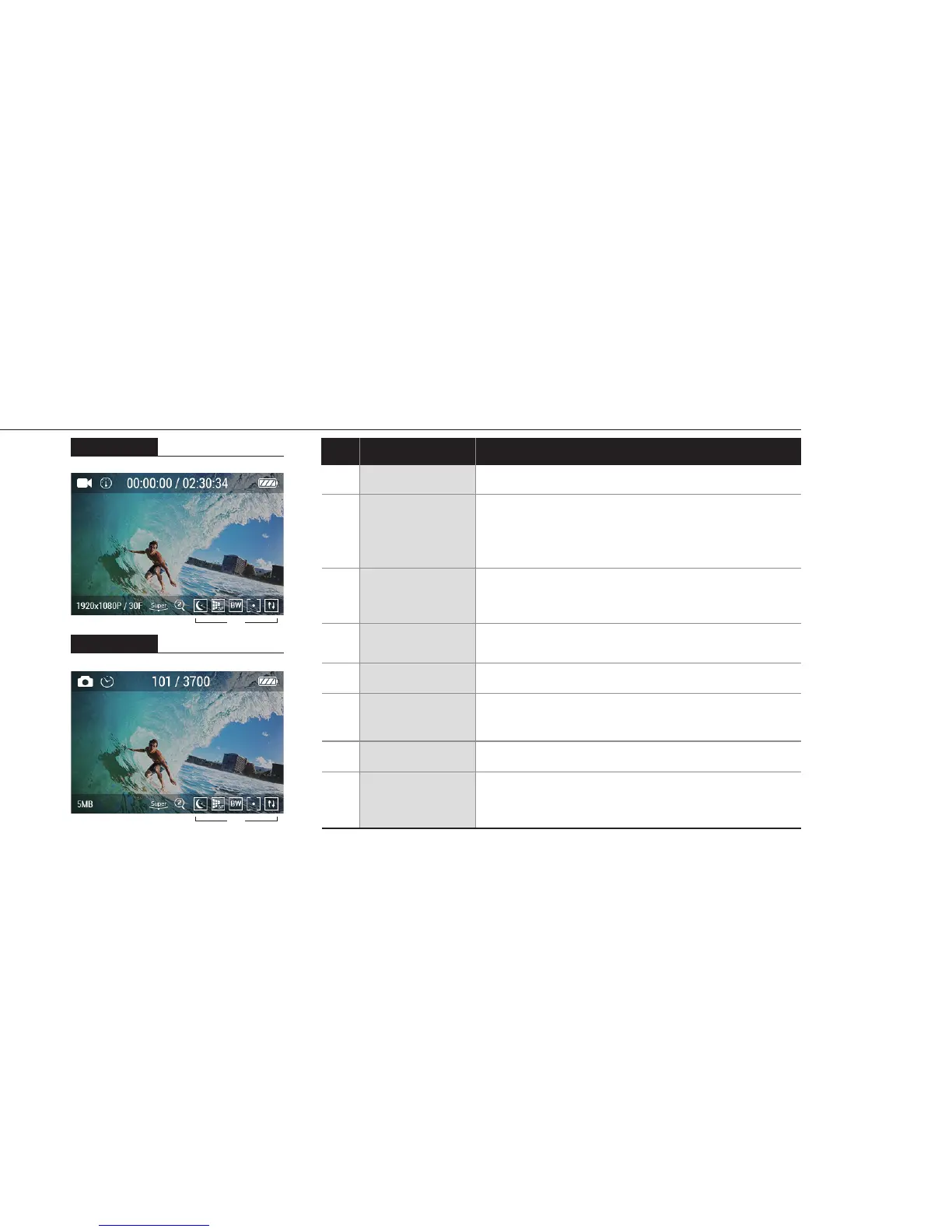
4. LCD screen shot
Photo screen
⑥ ⑦ ⑧
① ② ③ ④
⑤
⑥ ⑦ ⑧
① ② ③ ④
⑤
Video screen
⑥
⑦
⑧
①
②
③
④
⑤
Shows current mode (video or photo)
Shows current shooting mode
(Video - Auto stop / Looping / Timelapse)
(Photo - Self timer / Timelapse / Burst)
Shows recording time information
(Current recording time / Usable recording time)
Shows battery capacity status
Video / Photo Resolution
While shooting video or photo, it shows viewing
angle mode (Super wide / Wide / Medium / Narrow)
Shows current zoom level (None / x2 / x3 / x4)
Shows current eect setting
(Eect / Quality / Filter / AE meter / Upside Down)
Current mode
Shooting
mode
Recording time
information
Battery
Resolution
FOV
Zoom
Eect setting
FunctionNo.
Description
4



 To Next Page