21
16. Firmware update (Find the latest firmware at www.activeon.com)
●
You can always nd the latest rmware updates of ACTIVEON products on the website. (www.activeon.com)
●
Firmware upgrade may fail if battery is too low.
●
Recharge up to two cells of battery gauge for proper upgrade.
1. Format the memory card, and copy rmware le to the root directory of microSD Card.
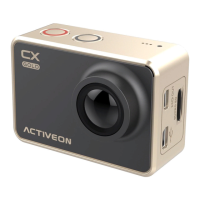
2. Insert the microSD to ACTIVEON CX GOLD and turn on the power.
3. Firmware upgrade will automatically start as showing the updating status on the screen.
4. When upgrade is completed, the camera will show ’F/W Updating’ and will automatically turn o.
* Do Not turn o the camera or take out the battery during rmware upgrade.


 To Next Page