10
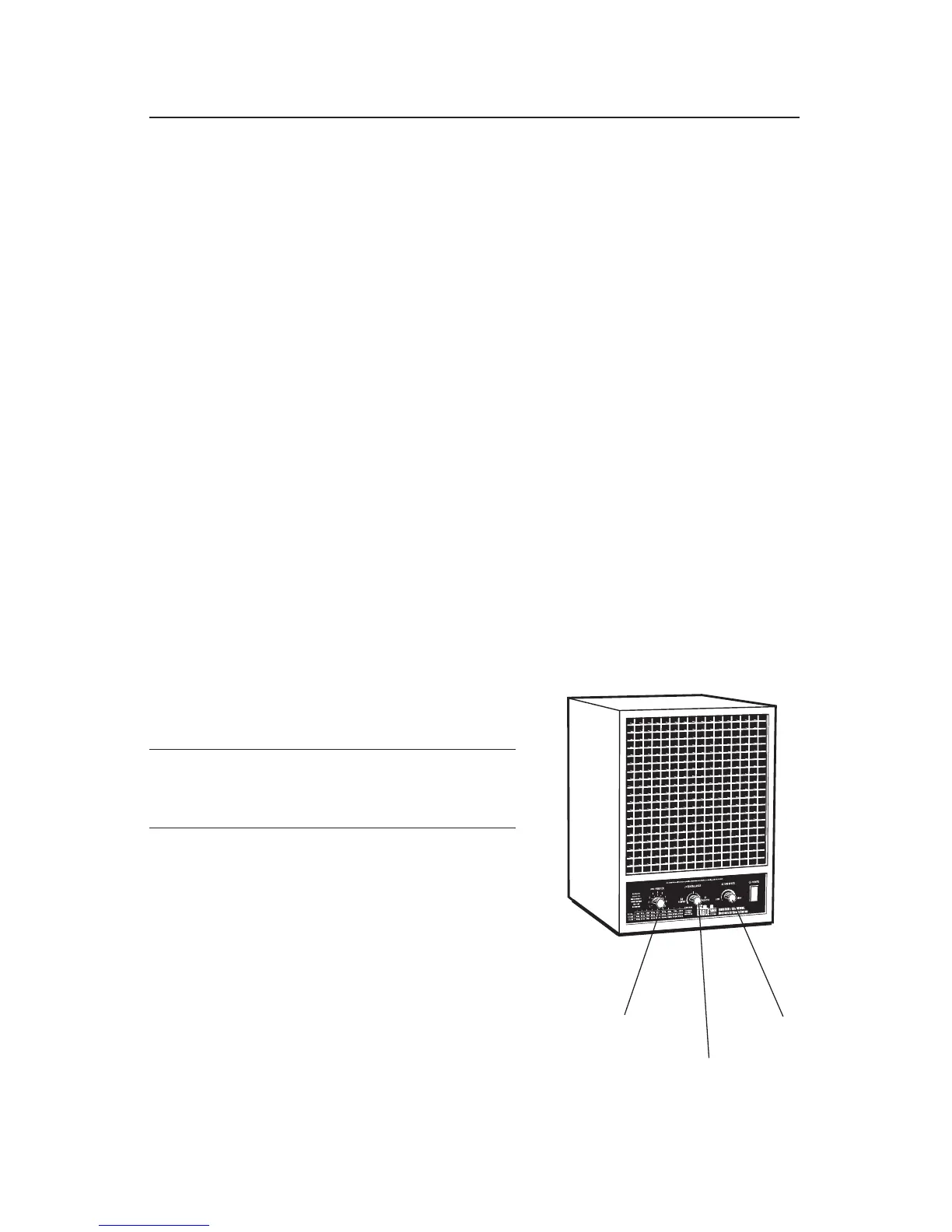
1. FAN CONTROL
The disbursement of cleansing properties is best accomplished with good air circulation.
The fan control should be set as high as reasonably possible without creating an
undesirable noise level. This will be determined by personal preference and the distance
you wish the cleansing properties to be dispersed.
Note: A ceiling fan can also aid in distribution of cleansing properties.
2. PURIFIER CONTROL
PURIFIER Control: Set the control at the nine o'clock position for one hour.
Adjust the control up or down after one hour based on the following criteria:
1. In normal conditions, it is not necessary to turn the PURIFIER control indicator above
the area of the environment. (refer to purifier chart on page 7)
2. Keeping in mind the previous statement (#1), adjust the purifier so that the scent of
ozone fades into the background 15-30 seconds after entering the environment.
3. AWAY MODE FEATURE
For maximum effectiveness in reducing air contaminants, turn the unit on high for 3-4
hours.
Air out room by opening doors and/or windows.
4. ION CONTROL
The normal setting of a DC ionizer is full negative. This
setting seems to work best in removing particulate
(cigarette smoke) as well as reducing static. When
trying to reduce static, if the full negative setting
results in more static, turn the ion control in small
increments towards the positive until the static is
relieved.
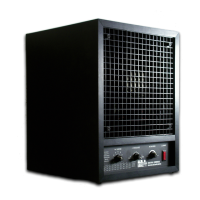
Purifier Control
Fan Control
Ion Control
SETTINGS AND ADJUSTMENTS
Caution: Always be sure a room or area is
UNOCCUPIED before performing the above
described Away Mode procedure.


 To Next Page