12
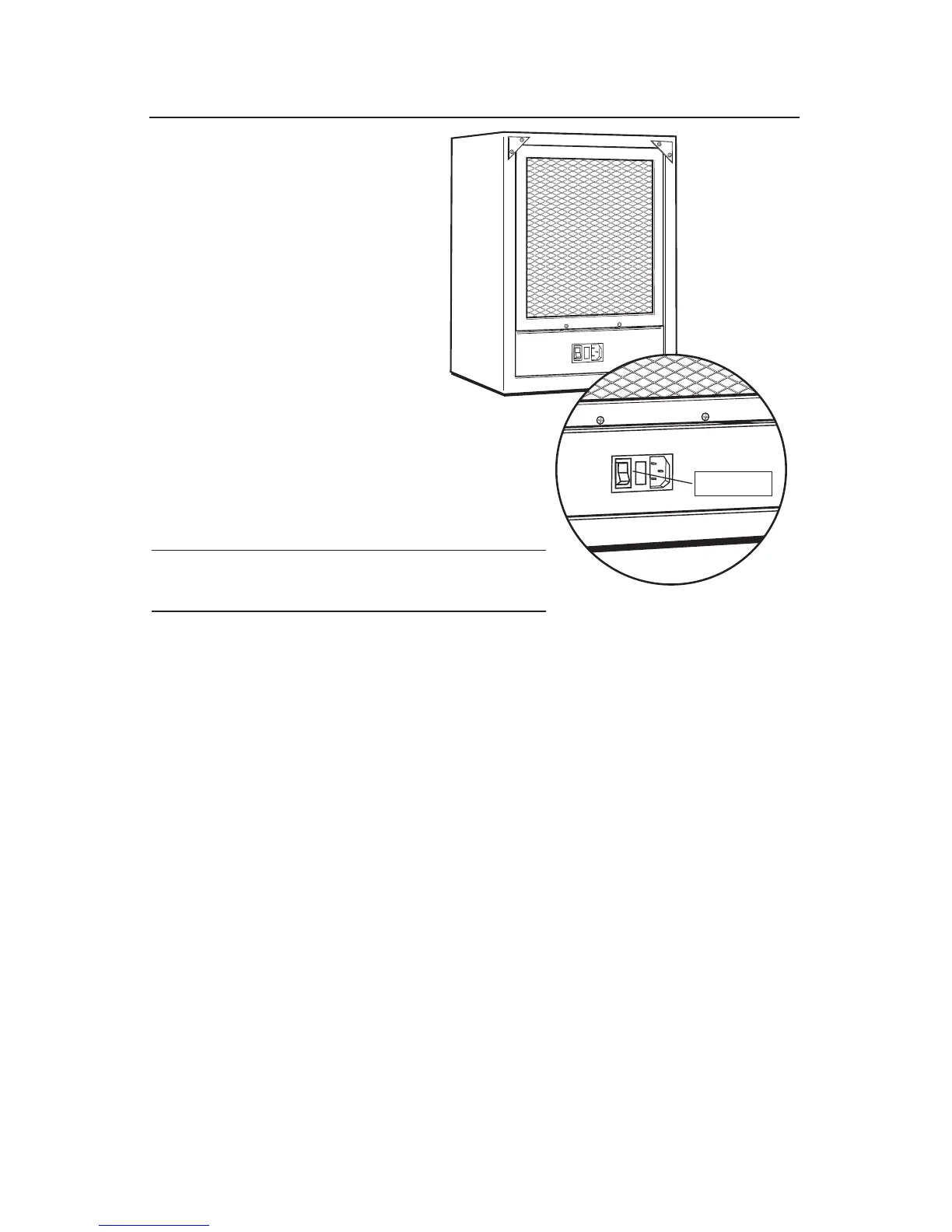
A fuse holder is located on the back
of the unit next to the power cord. To
replace or check the fuse, remove the
fuse holder by pressing on the release
catches and pulling straight out.
If the fuse is blown, replace with a
new slow blow type fuse. Insert the
new fuse into the fuse holder. Press
the assembly in until it latches.
If the fuse holder cap is not installed
correctly, the unit will not operate.
100 and 120 Volt Use 1.6 AMP slow blow fuse.
220 and 240 Volt Use 0.5 AMP slow blow fuse.
CHANGING THE FUSE
Fuse


 To Next Page