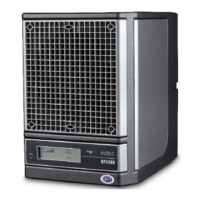
1
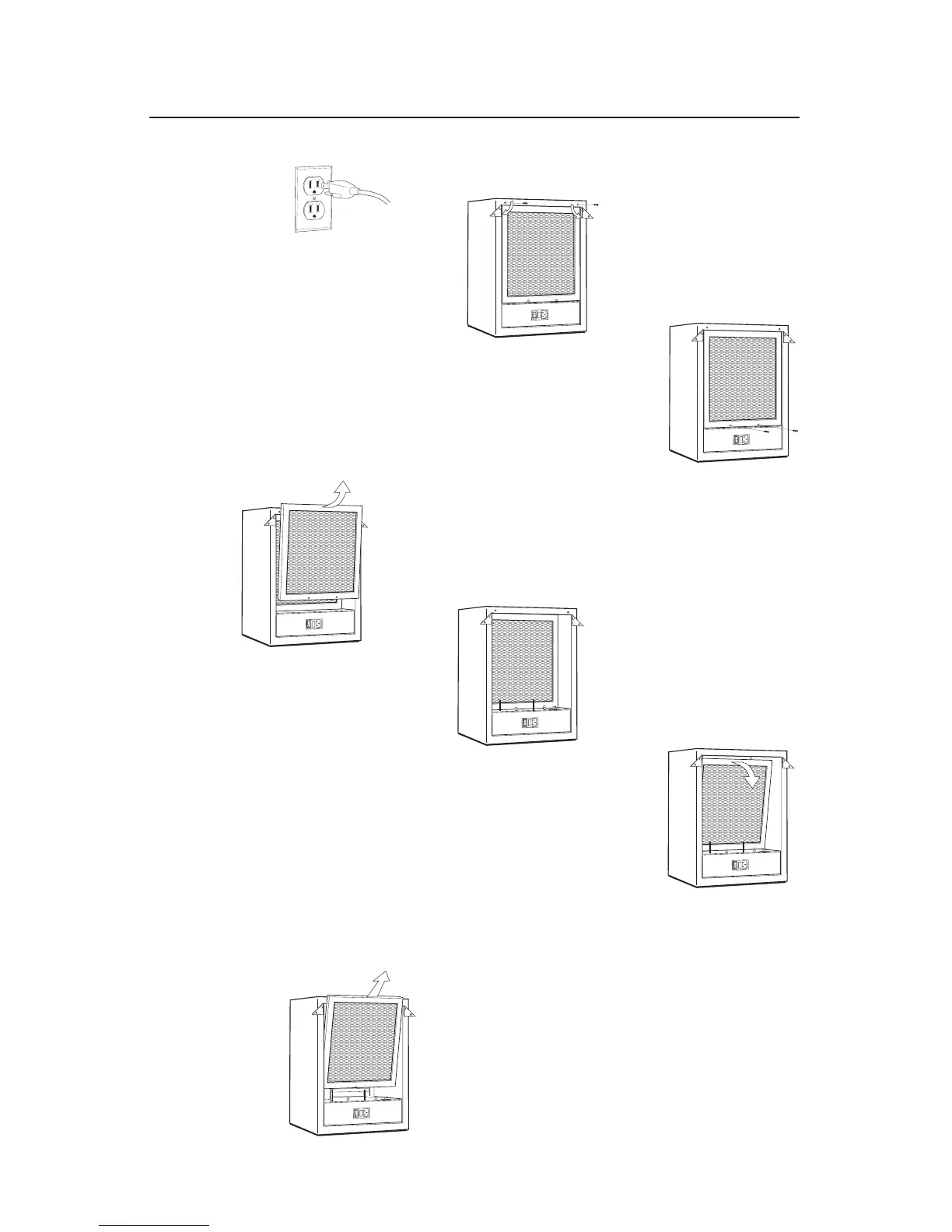
1. Unplug the Eagle 5000 to prevent electric shock.
2
2. Remove only one screw from each of the 2 top corner
brackets and rotate bracket out of the way.
3
3. Remove 2 screws from bottom of lint screen.
4
4. Pull top of lint screen toward you,
then lift out.
5
5. Once the lint screen is removed, the carbon filter may
be removed also.
6
6. Using the plastic tab, pull the top of the carbon filter
towards you.
7
7. Pull the carbon filter out of the unit.


 To Next Page