14
Problem Possible Solution
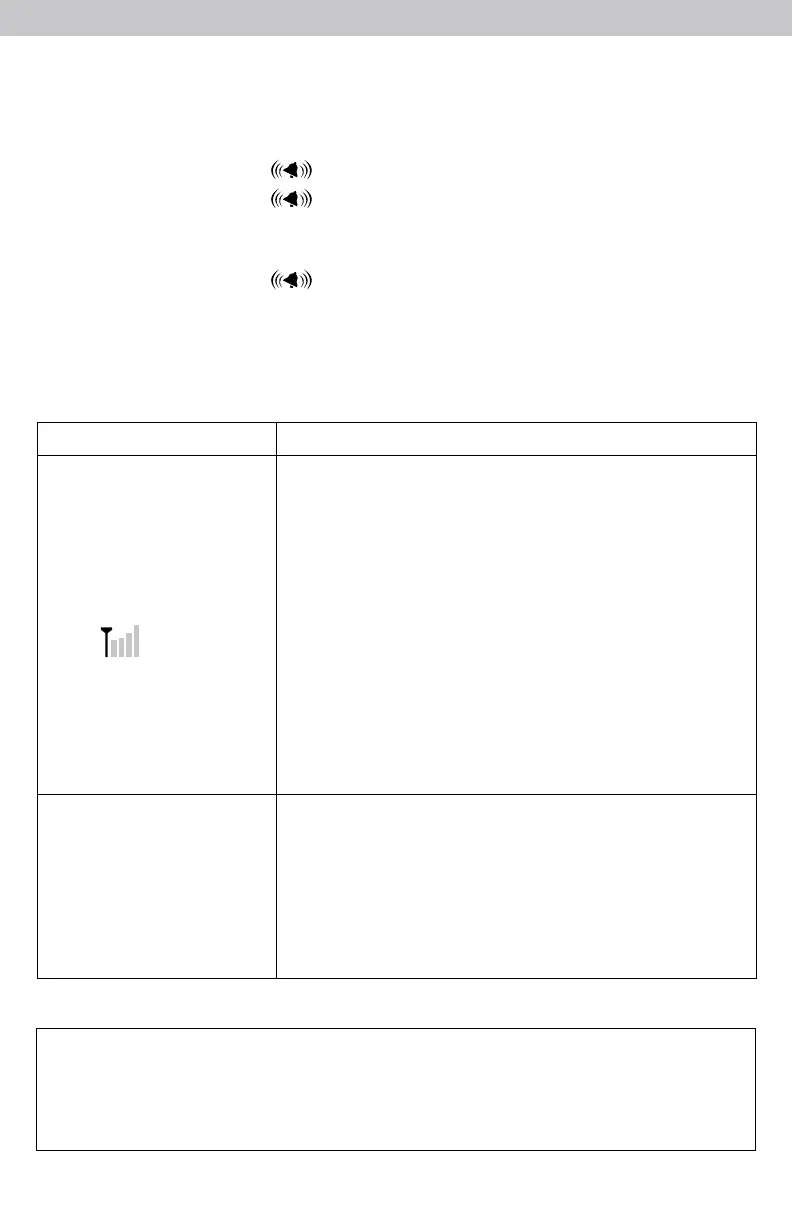
No reception
no bars
If the wireless signal indicator shows no bars:
• Relocate the display and/or synced Monitor/Sensor
(if applicable). The products must be within 330 ft
(100 m) of each other
• Make sure products (display, Monitors, Sensors) are
placed at least 3 feet (.9 m) away from electronics
that may interfere with the wireless communication
(such as TVs, microwaves, computers, etc).
• Use standard alkaline batteries (or lithium batteries
in Monitors and Sensors when temperature is below
-4ºF/-20ºC). Do not use heavy duty or rechargeable
batteries.
Note: It may take a few minutes for display and
sensor to synchronize after batteries are replaced.
Temperature is ashing
or showing dashes
Flashing of the temperature reported by a Monitor/
Sensor is generally an indication of wireless interference
between the sensor and display.
1. Remove the Monitor/Sensor location from the display
(see page 9).
2. Re-add Monitor/Sensor to an available location on
display (see page 10).
Troubleshooting
If your AcuRite product does not operate properly after trying
the troubleshooting steps, visit www.AcuRite.com or call
(877) 221-1252 for assistance.
Disable an Alarm
1. Press and release the color-coded button next to the location on the display
for which you wish to disable an alarm.
2. Press and release the “ ” button to enter alarm SET MODE.
3. Press and release the “ ” button until the reading for which you wish to
disable an alarm is highlighted on the display. “ALARM ON” will ash.
4. Press and release the “
▲
“ or “
▼
“ buttons until “ALARM OFF” appears.
5. Press and release the “ ” button to cycle to the next reading for the
location.
6. Repeat steps 3-5, as needed.



 To Next Page