EasyManua.ls Logo

ACU-RITE 06036 - User Manual

ACU-RITE 06036
20 pages
Print Icon
To Next Page IconTo Next Page
Loading...
Instruction Manual
SAVE THIS MANUAL FOR FUTURE REFERENCE.
Questions? Contact Customer Support at
(877) 221-1252 or visit www.AcuRite.com.
CONTENTS
Unpacking Instructions ........... 2
Package Contents .................. 2
Features & Benets ................. 2
Setup .................................... 6
Display Setup ........................ 6
Set the Time, Date & Units ...... 7
Backlight Settings .................. 11
Placement Guidelines ............11
Using the Display ..................12
Programmable Alarms ........... 13
Troubleshooting ....................14
Calibration ...........................16
Specications ........................17
FCC Information ...................17
Customer Support .................18
Warranty..............................18
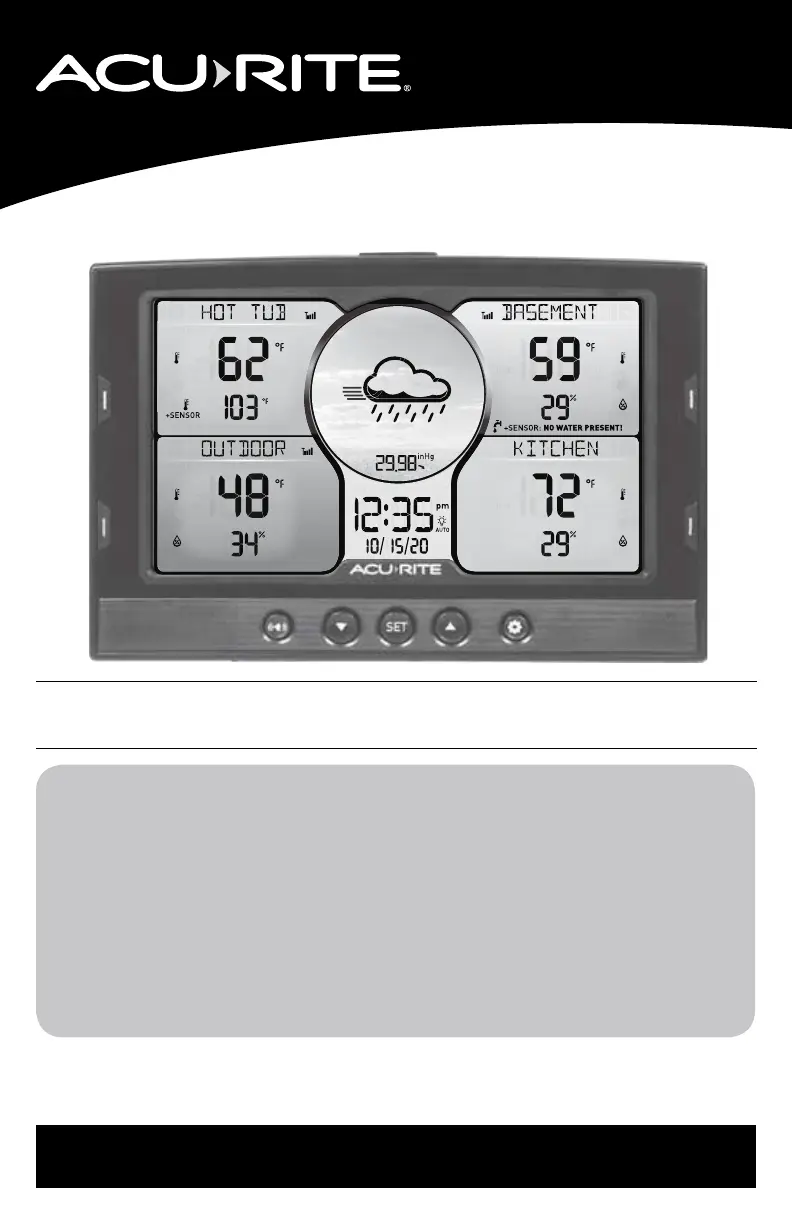
Home Environment Display
models 06024/06036
auto
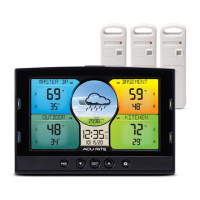
This product requires at least one AcuRite Monitor or Sensor
(sold separately) to be operational.

Questions and Answers

Summary

Display Screen Layout

Setup Process

Display Setup

Install batteries and plug in the power adapter for initial setup.

Setting Time, Date, and Units

Expanding System Capabilities

Location Management

Sensor Synchronization and Data Management

Sync New Monitor or Sensor

Manually add new monitors or sensors to the display.

Backlight and Placement Settings

Operation and Forecasting

Display Features and Operation

Explains weather forecast, learning mode, barometric pressure, and records.

Programmable Alarms

Alarm Setup and Editing

Configure and set custom alarms for readings.

Disable Alarms

Troubleshooting Common Issues

Care, Maintenance, and Calibration

Calibration Procedures

Guide to calibrating temperature, humidity, and barometric pressure.

Summary

Display Screen Layout

Setup Process

Display Setup

Install batteries and plug in the power adapter for initial setup.

Setting Time, Date, and Units

Expanding System Capabilities

Location Management

Sensor Synchronization and Data Management

Sync New Monitor or Sensor

Manually add new monitors or sensors to the display.

Backlight and Placement Settings

Operation and Forecasting

Display Features and Operation

Explains weather forecast, learning mode, barometric pressure, and records.

Programmable Alarms

Alarm Setup and Editing

Configure and set custom alarms for readings.

Disable Alarms

Troubleshooting Common Issues

Care, Maintenance, and Calibration

Calibration Procedures

Guide to calibrating temperature, humidity, and barometric pressure.

ACU-RITE 06036 Specifications

General IconGeneral
BrandACU-RITE
Model06036
CategoryMonitor
LanguageEnglish

Related product manuals