9
Remove a Location from the Display
Remove a location’s data readings and disconnect from the display by accessing
the “DELETE” screen:
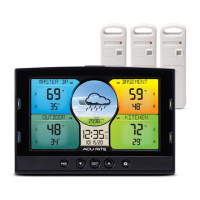
1. Press and release the color-coded button next to the location you want to
delete from the display.
2. Press and release the “ ” button.
3. Press and release the “
▲
“ or “
▼
“ buttons until “DELETE” is showing.
4. Press and release the “SET” button. “DELETE MONITOR” will ash.
5. Press and release the “SET” button to remove the location from the display.
• Indoor applications
Setup a Location Name on the Display
For easy home environment monitoring, label data readings on the display
using the following directions. Simply select the name from a preset list that
most closely matches the location where the display, Monitor or Sensor that is
reporting data for the location is installed:
1. Press and release the color-coded button next to the location you want to
update on the display.
2. Press and release the “ ” button.
3. Press and release the “
▲
“ or “
▼
“ buttons until “EDIT NAME” is showing.
4. Press and release the “SET” button.
5. Press and release the “
▲
“ or “
▼
“ buttons to cycle through the available
location names.
6. Press and release the “SET” button to conrm a name selection.
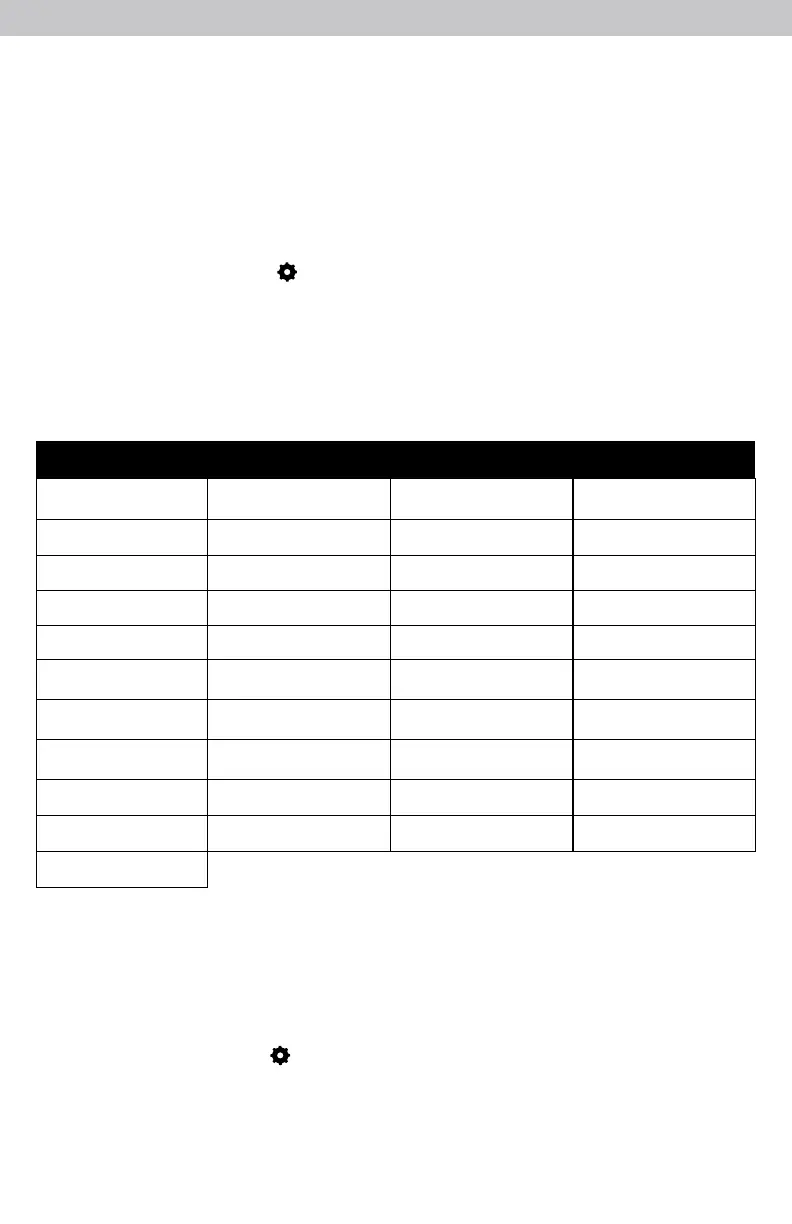
AQUARIUM
ANIMALS
BATHROOM3
ATTIC
BARN
BASEMENT
BATHROOM
BATHROOM2
BEDROOM
BEDROOM 2
BEDROOM 3
BEDROOM 4
CELLAR
COOLER
DINING RM
FAMILY RM
FREEZER
FRIDGE
GARAGE
GUEST RM
HOT TUB
HUMIDOR
INDOOR POOL
PORCH
SPA
STORAGE
SUMP PUMP
UPSTAIRS
UTILITY
WINE
KITCHEN
LAUNDRY
LIVING RM
MASTER BR
MUSIC RM
NURSERY
OFFICE
OTHER
GARDEN
OUTDOOR
Location Names



 To Next Page