248
uuAudio System Basic OperationuAudio/Information Screen
Audio/Information Screen
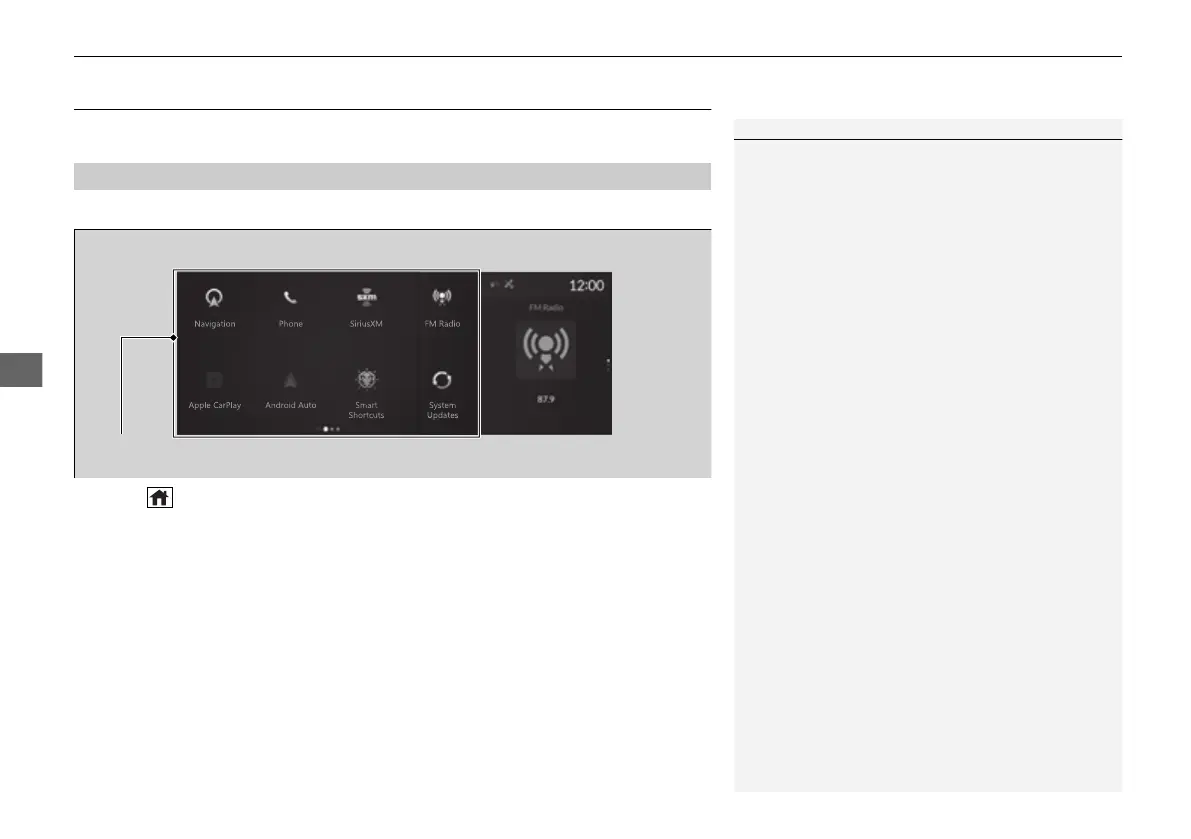
Displays each mode status. From this display, you can go to various setup options.
■
Switching the display
Press the (home) button to go to the home screen.
Select the following icons on the home screen or All Apps list.
■
Navigation
*
Displays the navigation screen.
2 Refer to the Navigation System Manual
■
Phone
Displays the HFL information.
2 Bluetooth® HandsFreeLink® P. 376
■
FM Radio/AM Radio/SiriusXM/USB Audio/Bluetooth Audio/Social Playlist
Displays information for each audio format.
■
A-Zone
1Audio/Information Screen
All Apps list
You can select any of the apps from the All Apps list.
To display the All Apps list, place your finger on the
A-zone touchpad and swipe right.
2 Home Screen P. 253
You can add or remove any of the apps in the home
screen through the All Apps list.
2 To add app icons to the home screen and
the head-up display
*
P. 254
* Not available on all models
22 ACURA MDX-31TYA6000_02.book 248 ページ 2020年11月5日 木曜日 午前11時39分



 To Next Page
 Loading...