353
uuRear Entertainment System (RES)
*
uRear Control Panel Operation
Continued
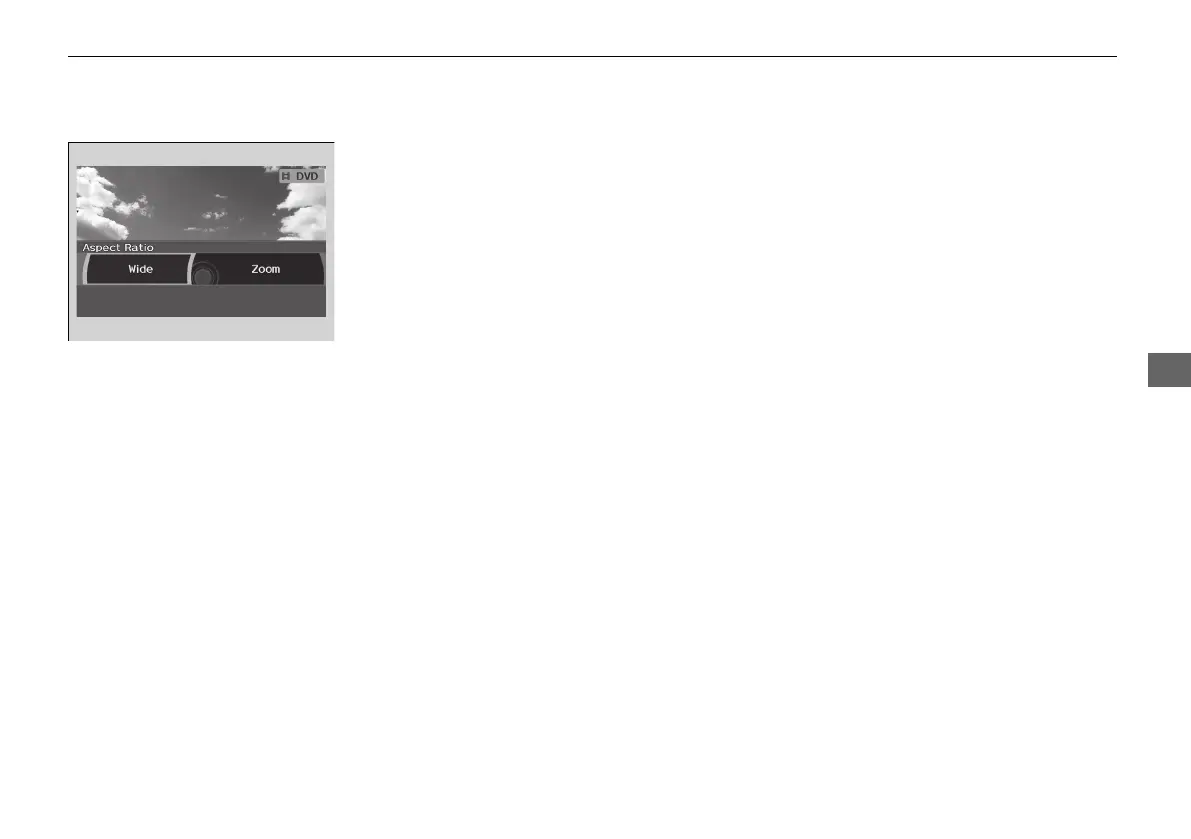
■ Setting the aspect ratio
1. Press the MENU button (in DVD mode).
2. Select Aspect Ratio. Press the ENTER
button.
3. Select an item. Press the ENTER button.
4. Select an option. Press the ENTER button.
The following items are available:
• Wide: Selects the wide screen option (Normal, Full, Super Full, Ultra Full).
• Zoom: Selects the zoom screen option (Super Zoom, Ultra Zoom).
18 ACURA MDX E-AWD-31TRX6100.book 353 ページ 2017年11月10日 金曜日 午前10時21分



 To Next Page
 Loading...