EasyManua.ls Logo

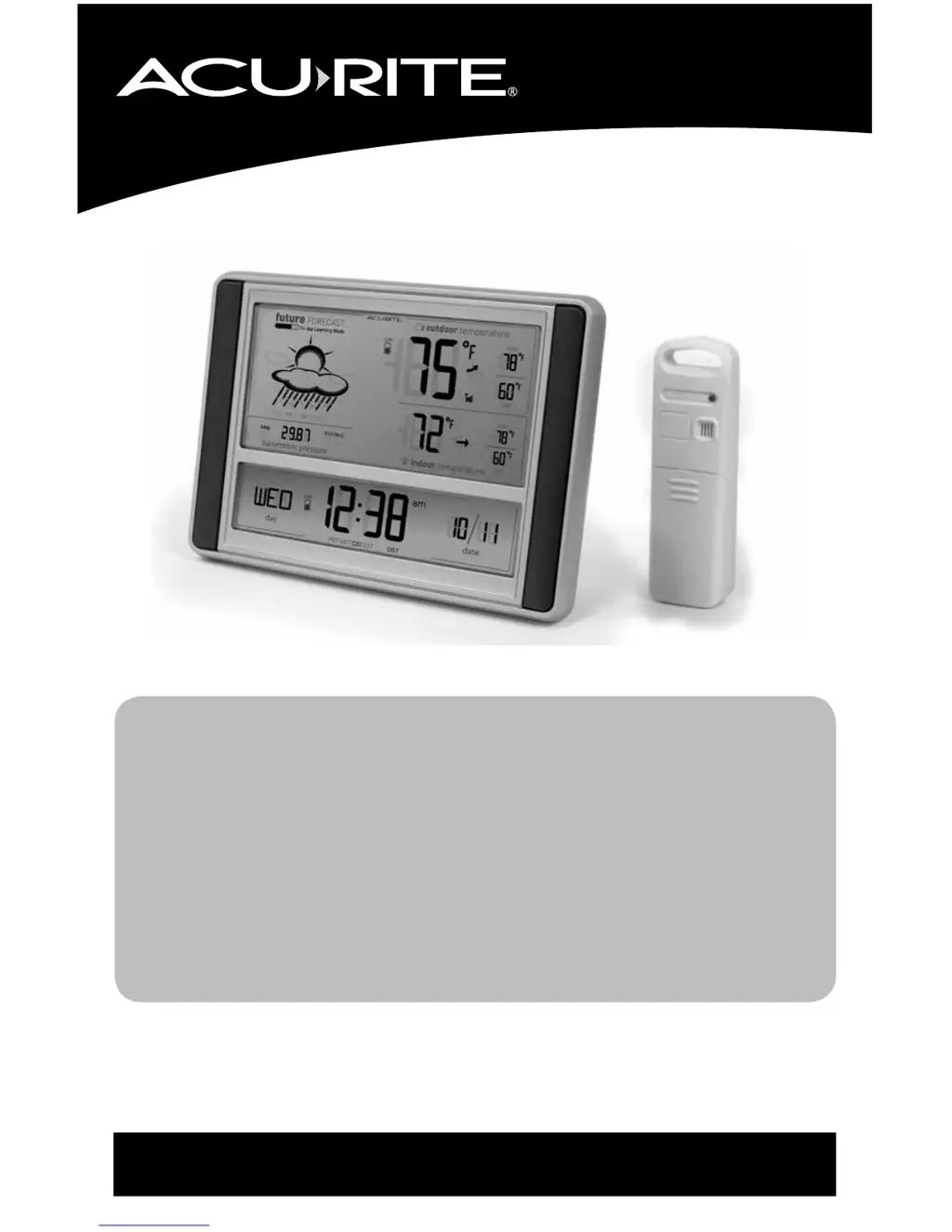
AcuRite 75075 - User Manual

AcuRite 75075
12 pages
Print Icon
To Next Page IconTo Next Page
Loading...
Instruction Manual
SAVE THIS MANUAL FOR FUTURE REFERENCE.
Questions? Contact Customer Support at
(877) 221-1252 or visit www.AcuRite.com.
CONTENTS
Unpacking Instructions ........... 2
Package Contents .................. 2
Product Registration ............... 2
Features & Benets: Sensor ..... 2
Features & Benets: Display .... 3
Setup .................................... 4
Sensor Setup ......................... 4
Display Setup ........................ 5
Intelli-Time
®
Clock .................. 6
Set the Time & Date ............... 6
Measurement Units ................ 6
Placement Guidelines ............. 7
Using the Forecaster............... 8
Troubleshooting ..................... 9
Care & Maintenance .............10
Specications ........................ 10
FCC Information ...................10
Customer Support ................. 11
Warranty..............................11
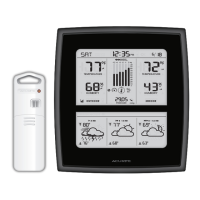
Weather Forecaster
models 75075/75075W/75075W1

Questions and Answers

  • M
    Misty GarciaJul 31, 2025
    How to fix AcuRite 75075 Weather Station no outdoor sensor reception?
    • K
      Kevin AllisonJul 31, 2025
      If your AcuRite Weather Station's outdoor sensor shows no signal bars, try these steps: First, reposition the display unit and the outdoor sensor, ensuring they are within 330 feet (100 meters) of each other. Next, keep both units at least 3 feet (0.9 meters) away from electronics like TVs, microwaves, and computers that could cause interference. Use standard alkaline batteries (or lithium batteries in the sensor for temperatures below -4ºF/-20ºC), avoiding heavy-duty or rechargeable batteries. Finally, allow up to 20 minutes for the display unit and sensor to synchronize after replacing the batteries.
  • T
    Todd AndersonAug 6, 2025
    What to do if AcuRite Weather Station outdoor temperature is flashing?
    • L
      Laura HuberAug 6, 2025
      If the outdoor temperature on your AcuRite Weather Station is flashing or showing dashes, wireless interference may be the issue. Try bringing both the sensor and display unit indoors and removing at least one battery from each. Also, ensure that the A-B-C switch on both units match. Reinstall the battery in the outdoor sensor, then reinstall the battery in the display unit. Let the units sit within a couple of feet of each other for about 20 minutes to establish a strong connection.
  • J
    jacksonmichaelAug 12, 2025
    Why AcuRite Weather Station display screen not working?
    • S
      sonia98Aug 13, 2025
      If the display screen on your AcuRite Weather Station is not working, first, check that the batteries are installed correctly and replace them if needed. If that doesn't work, reset the unit by pressing the reset button on the back of the display. Note that you'll need to enter the time and date after a reset.
  • D
    David RobbinsAug 18, 2025
    How to fix inaccurate temperature on AcuRite Weather Station?
    • A
      Ashley SanchezAug 18, 2025
      To correct inaccurate temperature readings on your AcuRite Weather Station, ensure that both the display unit and sensor are placed out of direct sunlight and away from any heat sources or vents.
  • C
    Caroline PerezAug 25, 2025
    Why is my AcuRite 75075 Weather Station forecast inaccurate?
    • J
      joseph29Aug 26, 2025
      If your AcuRite Weather Station provides an inaccurate forecast, remember that the forecast icon predicts conditions for the next 12 to 24 hours, not current conditions. Ensure that the Learning Mode has completed; the Learning Mode icon should disappear from the display unit once complete. Allow the unit to run continuously for 33 days, as battery removal or resetting the display unit will restart Learning Mode. The forecast should become fairly accurate after 14 days, but Learning Mode calibrates for a total of 33 days.

Summary

Setup Procedures

Sensor Setup

Instructions for setting the A-B-C switch and installing batteries for the outdoor sensor.

Display Unit Setup

Guides on setting the A-B-C switch and installing batteries for the display unit.

Intelli-Time Clock and Settings

Setting Time and Date

Steps to enter SET MODE to adjust time, date, and time zone.

Placement Guidelines

Outdoor Sensor Placement

Guidance on positioning the outdoor sensor for optimal readings.

Using the Weather Forecaster

Learning Mode Explained

Describes the 14-day self-calibration period for accurate forecasting.

Troubleshooting Common Issues

Sensor Reception Issues

Solutions for loss of signal between sensor and display unit.

AcuRite 75075 Specifications

General IconGeneral
BrandAcuRite
Model75075
CategoryWeather Station
LanguageEnglish

Related product manuals