5
A 2 0 0 0 - S E R I E S A M P L I F I E R U S E R G U I D E
©2012 Indy Audio Labs, LLC all rights reserved / Revision20120420
Document No. 1000571
becoming familiar
with your new
acurus amplifier
Your Acurus amplier has been engineered to provide
years of trouble-free enjoyment when installed and used
according to this guide. This section will help you get fa-
miliarized with all the physical features of this component.
Front Panel
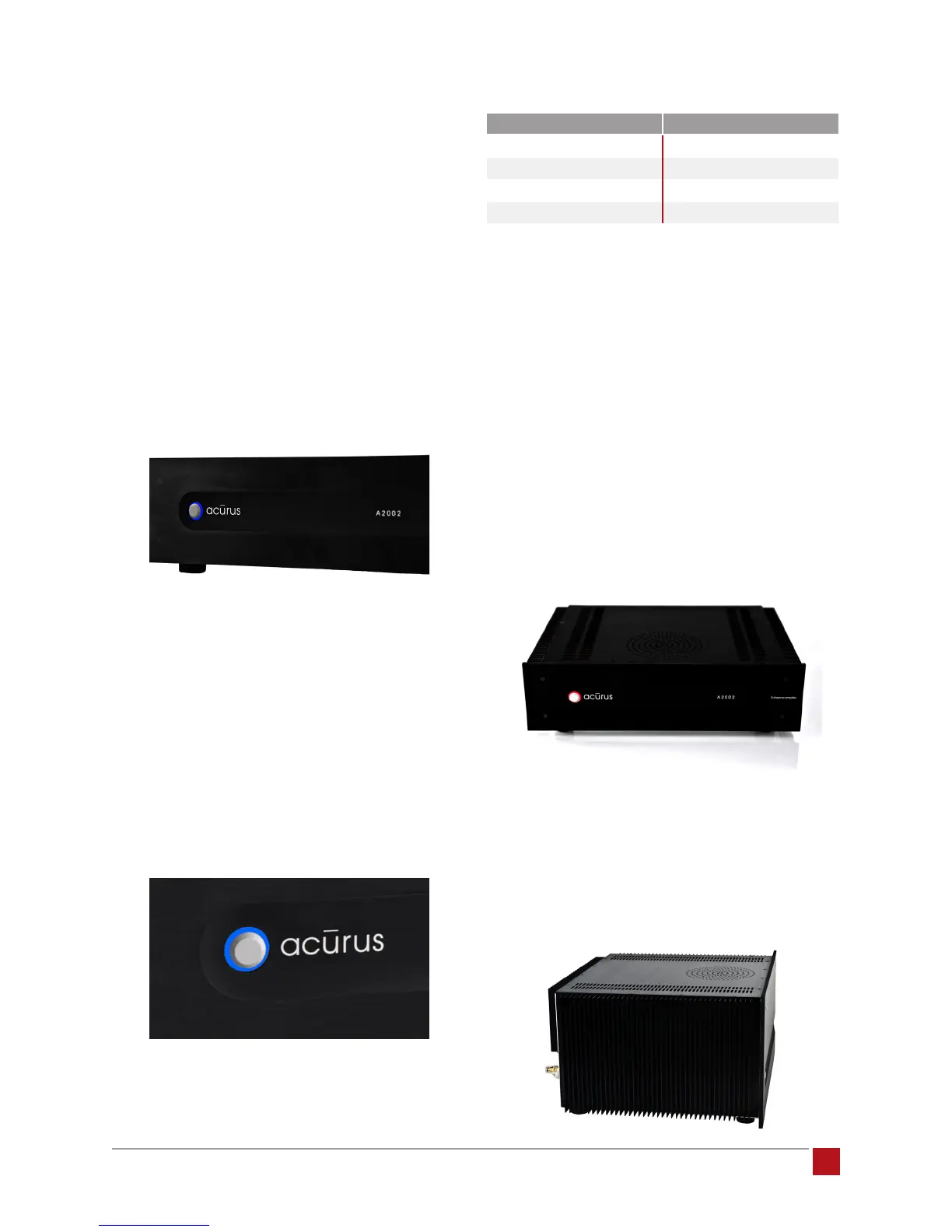
The front-panel design of your new Acurus was execut-
ed with beauty, simplicity and control condence as
the primary goals.
Power Button: To turn on your amplier, simply press the
power button. This custom-designed solid aluminum
push-button responds with positive feedback. For auto-
matic turn-on via an external pre-amp or pre-amp/proc-
essor, see section entitiled Pre-amp On/Off Control, p9.
Status Light: Our proprietary status light design consists
of a light ring surrounding the power button. This status
light is clearly visible at a wide range of angles and in
varying lighting conditions. It indicates amplier status
as shown below:
indication meaning
unlit
No power input
steady red
Low-power (idle) mode
flashing red
Amplifier circuits initializing
blue
Amplifier ON
After pushing the power button, the light ring remains
red briey as the amplier circuits are initialized.
Once ready for audio, the light ring illuminates blue.
To adjust the brightness of the light ring indicator for
your particular environment via Acurus Enhanced Ether-
net Control (E2C), see section entitled Acurus’ Propri-
etary Enhanced Ethernet Control (E2C), p10.
Exterior Surfaces
The top and sides of your Acurus amplier are designed
for both style and function.
Top Cover: The brushed aluminum top cover contains
ventillation slots to allow convective air ow through the
internal chassis, drawing air from underneath to keep
the internal circuit cards and transformer running cooler.
Sides: The extruded aluminum sides include heat trans-
fer ns to direct heat away from the internal amplier
circuits to the ambient air. Unlike many other amplier
designs, Acurus A2000-series amplier ns are mounted
externally to achieve the most effective convective
cooling action for all channels in both cabinet-mount
and rack-mount installations.


 To Next Page