EasyManua.ls Logo

Acurus Muse - User Manual

Acurus Muse
52 pages
Print Icon
To Next Page IconTo Next Page
Loading...
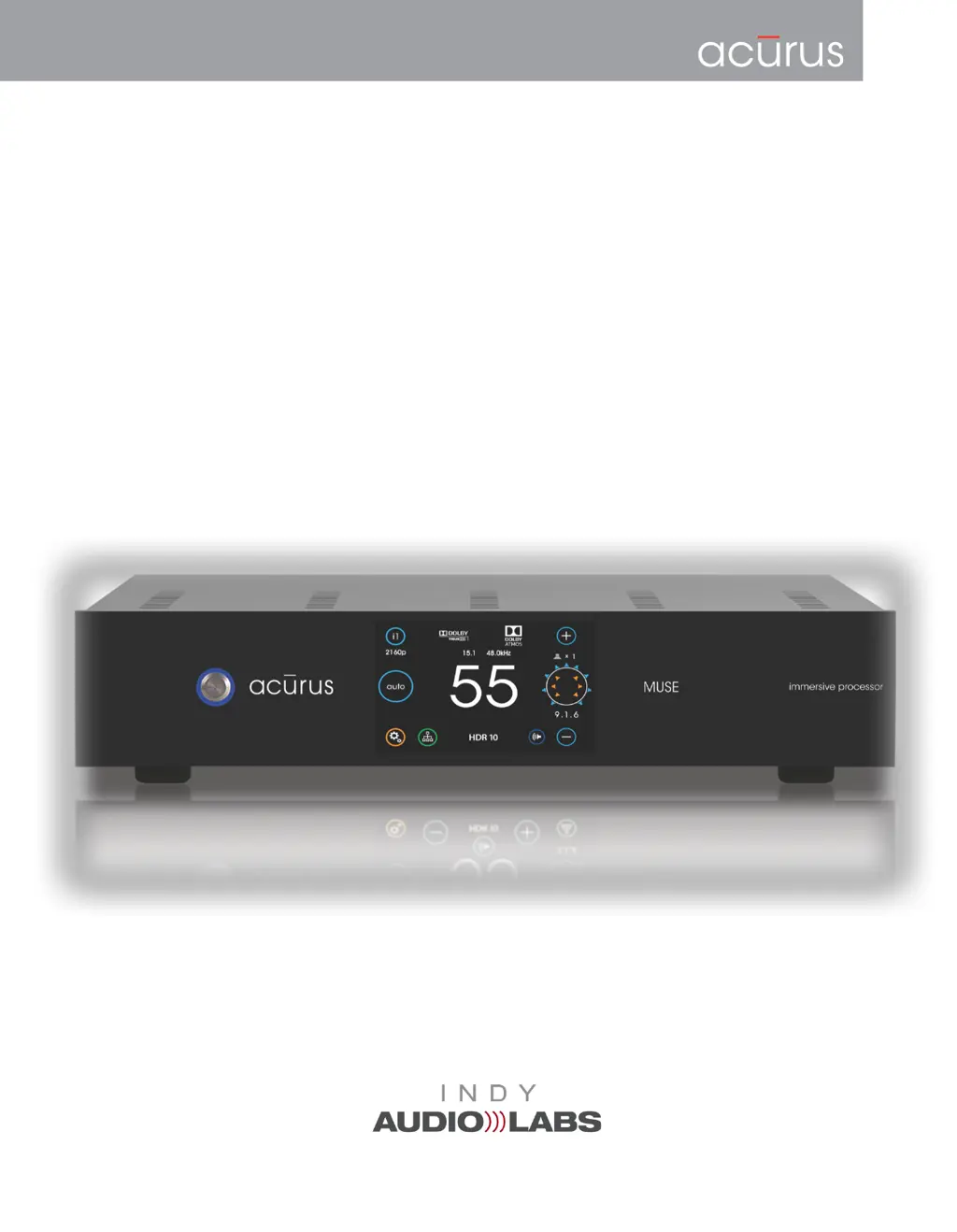
MUSE
Immersive Pre-Amp Processor
Operating Manual and Installer Guide
All models
Version 2.2
(Revision 20190227)

Questions and Answers

Summary

Important Safety Instructions

Congratulations and Initial Setup

Unpacking and Packaging Procedures

Details on opening cartons, handling the unit, and retaining packaging materials for safe transit.

Product Registration and Information

Instructions for validating purchase, registering the product, and recording unit details for warranty and reference.

Rear Panel Connectivity and Control

Power and Fuse Access

Master Power Switch Operation

Explains the function of the main power switch and system restart capability.

Installation Advice and Guidelines

General Installation Guidelines

Provides recommendations for positioning, ventilation, and power source connections for optimal setup.

System Connections Guide

Basic Operation of the MUSE

Power On, Standby, and Bootup

Guides through powering the unit on from AC or standby mode and initial boot-up.

Main User Interface Navigation

Input Selection and Network Access

Sound Mode Selection Options

Advanced Sound Mode Processing

Settings Menu Overview

Core Audio and Video Settings

Lists settings like Loudspeaker, Sound Mode, HDMI, Dolby, and DTS for configuration.

Speaker Layout Configuration

Speaker Layout Setup Interface

Introduces the screen for setting up speaker layout, including audio bed, subs, and overhead speakers.

Initial Loudspeaker Setup

Speaker Parameter Adjustments

Details how to adjust individual speaker levels, delay, polarity, size, and crossover.

Speaker Layout Selection and Subwoofers

Guides through selecting the physical speaker layout and configuring subwoofer counts.

Advanced Loudspeaker EQ and Tuning

Speaker Parameter Tuning Controls

Explains controls for polarity, size, crossover, and PEQ filters.

Level, Trigger, and IR Receiver Settings

Front Panel and Network Settings

Network IP Address Configuration

Setting up DHCP or Static IP addresses for network connectivity.

Network Status and System Reset

Factory Reset Procedure

Details on performing a factory reset to restore default settings.

Loudspeaker Layout Configuration Tables

Loudspeaker Layout Configurations (contd)

RS-232 and Ethernet Control Protocols

RS-232 Control and Communication

Explains RS-232 connection, pinout, serial format, and verbose response.

Command Sequencing and Examples

Demonstrates command sequencing for power, input selection, and mute functions.

RS-232 Command Table Part 1

Power, Mute, Input, Volume, and Mode Commands

Lists ASCII commands for controlling power, mute, input, volume, and sound modes.

RS-232 Command Table Part 2

Bass, Treble, Dolby, and DTS Commands

Lists commands for bass, treble, Dolby DRC, Center Spread, and DTS Dialog Control.

RS-232 Status Command Table Part 1

Ethernet and UDP Control Methods

Web-based Control Interface

Explains how to use the built-in web server for direct control and status monitoring.

UDP Command Structure and Examples

Details the UDP command format and provides examples for controlling MUSE functions.

Advanced Ethernet Control Features

Troubleshooting Common Problems

Power On and Display Issues

Addresses symptoms like no display illumination or power button response issues.

Audio Output and Connectivity Problems

Troubleshoots issues with no audio, missing channels, or HDMI cable inadequacy.

Troubleshooting Audio and Sound Issues

Garbled, Distorted Audio, and Hum

Solutions for garbled sound, distortion, hum, and AC ground loop problems.

Product Specifications - Audio and Video

About Acurus and Indy Audio Labs

Warranty Terms and Conditions

Details the manufacturer's warranty coverage, terms, and conditions for products.

Acurus Muse Specifications

General IconGeneral
Channels2
Signal-to-Noise Ratio> 100 dB
Damping Factor> 200
Weight45 lbs
TypeMultichannel Amplifier
Frequency Response20 Hz - 20 kHz ±0.1 dB
Input Impedance10 kOhms

Related product manuals