13.1.5 SELECTION OF BAUD RATE
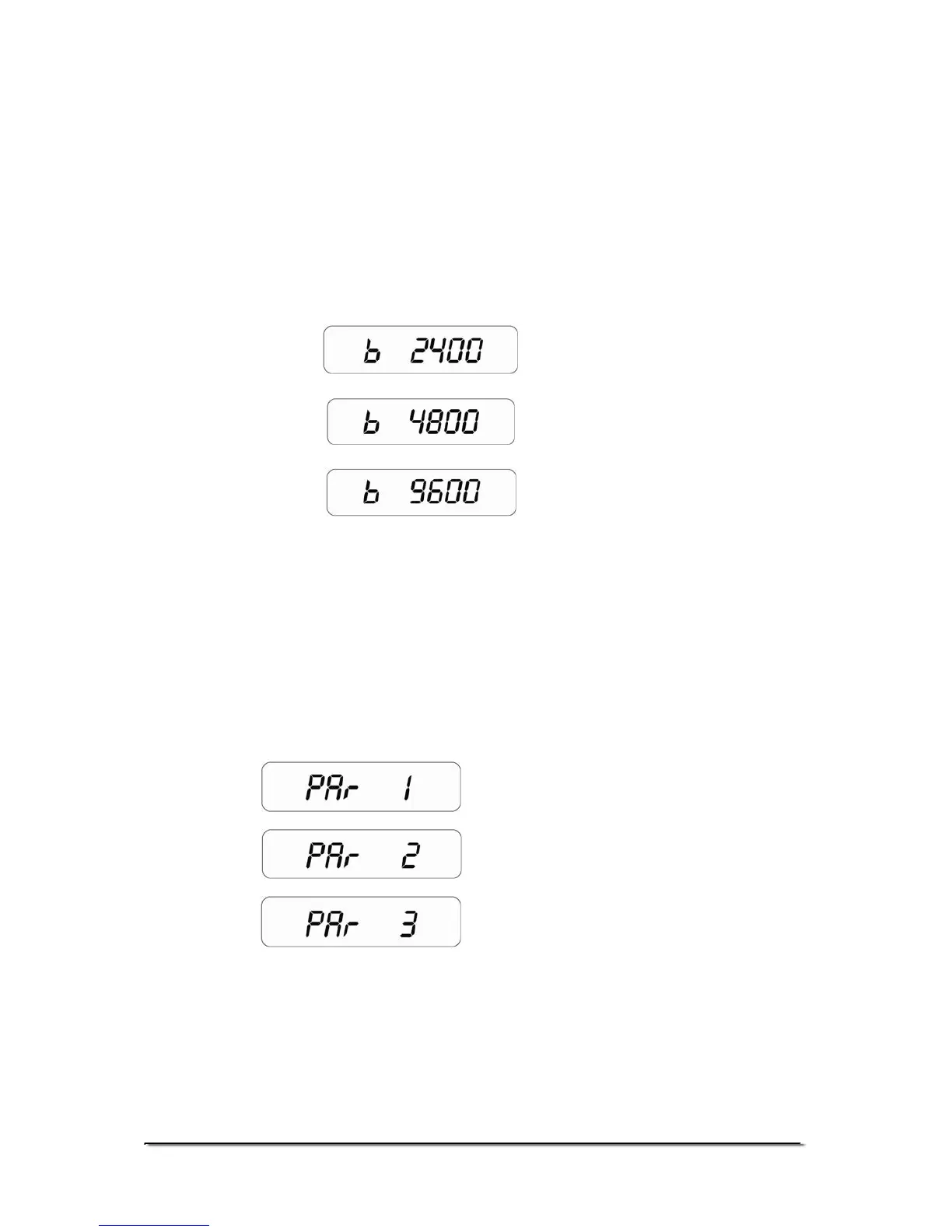
• The fifth parameter is to select the baud rate per second
which is the speed of sending data to RS-232 interface.
Display will show “b 9600” (DEFAULT SET)
• Use the [Tare/Zero] key to scroll through the options.
• There are three options-
• Press the [Unit] key to confirm the selection and move to the
next parameter.
13.1.6 SELECTION OF BIT RATE AND PARITY
• The sixth parameter is to select the bit rate and parity used
for sending data to RS-232 interface. Display will show “PAr
1” (DEFAULT SET)
• Use the [Tare/Zero] key to scroll through the options.
• Press the [Unit] key to confirm the selection and move to the
next parameter.
© Adam Equipment Company 2008
19


 To Next Page