13.2.1 FILTER
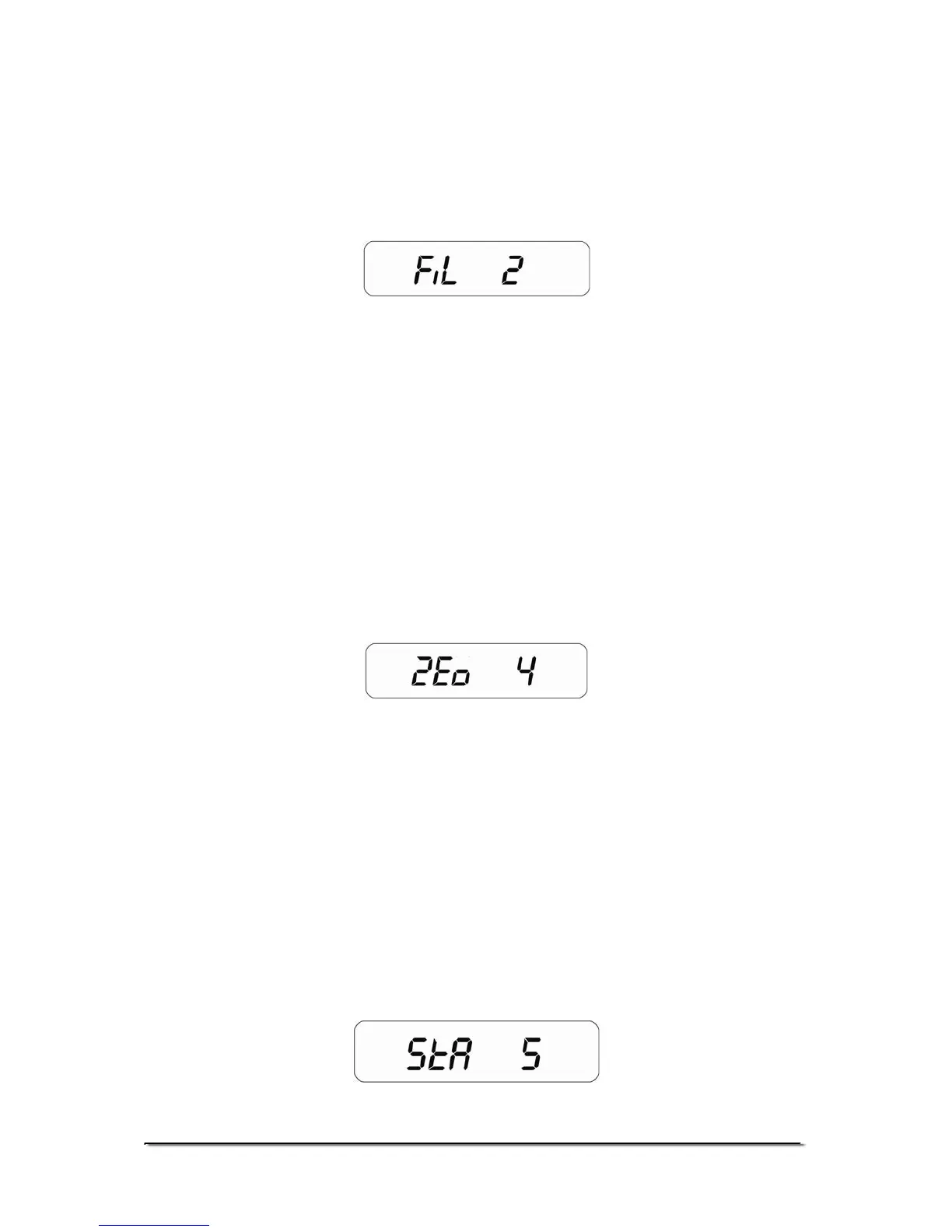
This parameter is for setting the speed of the display filter. For poor
environments the filter should be set at its slowest to minimise external
influences on the scale. For weighing small samples or gradual filling,
the filter should be set at a faster setting.
• Press [Tare/Zero] to scroll through the options. The display
will show “Fi 1” to “Fi 3”. If it is set to “F1 1” then the display is at
its slowest setting and at “F1 3” the display is in its fastest
setting.
• Press [Unit] to confirm the selection and move to the next
parameter.
13.2.2 ZERO TRACKING
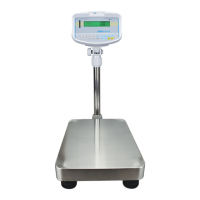
This parameter is for setting the range of the zero tracking. Zero tracking
will aid the scale to hold or return to zero and should be increased if
large weights are left on the scale or temperature is not consistent.
• Press [Tare/Zero] to scroll through the settings. The display
will show “ZEo 1” to “ZEo 8”. If it is set to “ZEo 1” the zero tracking
is at its smallest range and “ZEo 8” the highest.
• Press [Unit] to confirm the selection and move to the next
parameter.
13.2.3 STABILIZATION RANGE
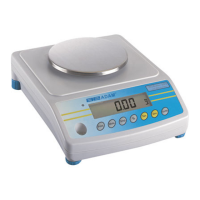
This parameter is for setting the range of the stability indicator. This is
used to determine when the scale will print automatically as well as
indicate that the weight is stable.
© Adam Equipment Company 2008
23


 To Next Page