Operating Instructions
7
Locking the Door
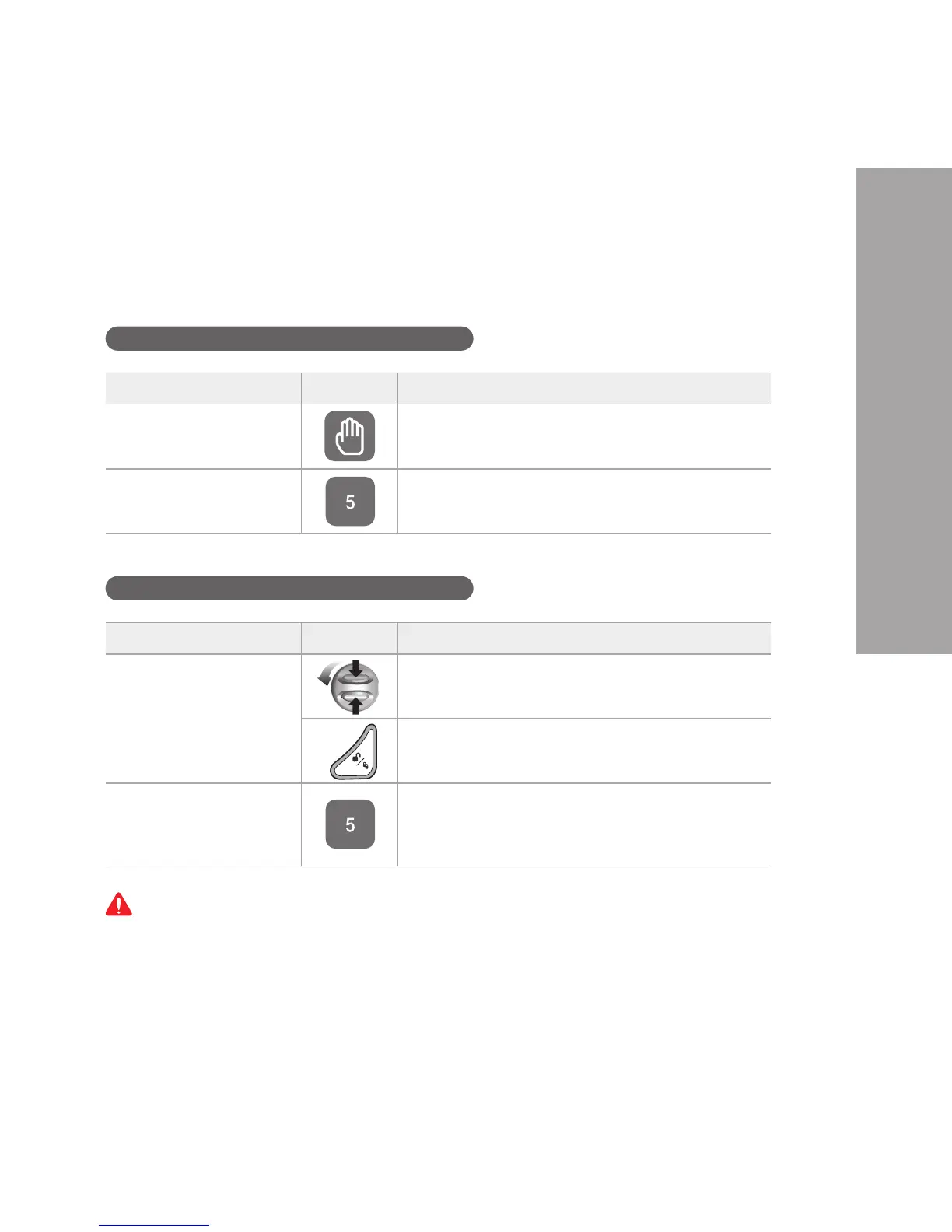
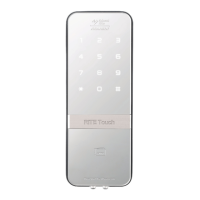
To Close Door from Outside
To Close Door from Inside
If the door is twisted, the auto-lock feature will not function properly. Please check before use.
Step Icon Description
Manual lock status Touch the keypad on the front body gently with your
palm to lock the door.
Auto lock status The built-in auto lock sensor automatically locks the
door within 5 seconds after closing the door.
Step Icon Description
Manual lock status
(default setting)
Turn the manual thumb turn to unlock while pressing
safe thumb turn buttons together.
Press open/close button.
Auto lock status The built-in auto lock sensor automatically locks
the door within 5 seconds after closing the door. If
an auto-lock magnet is not installed, the auto-lock
feature is not enabled.


 To Next Page