Remote Control Programming Manual
Basic sign operation: Clearing a sign’s memory 5
Clearing a sign’s memory
NOTE: Clearing a sign’s memory erases all messages, graphics, and
the password that have been programmed into the sign.
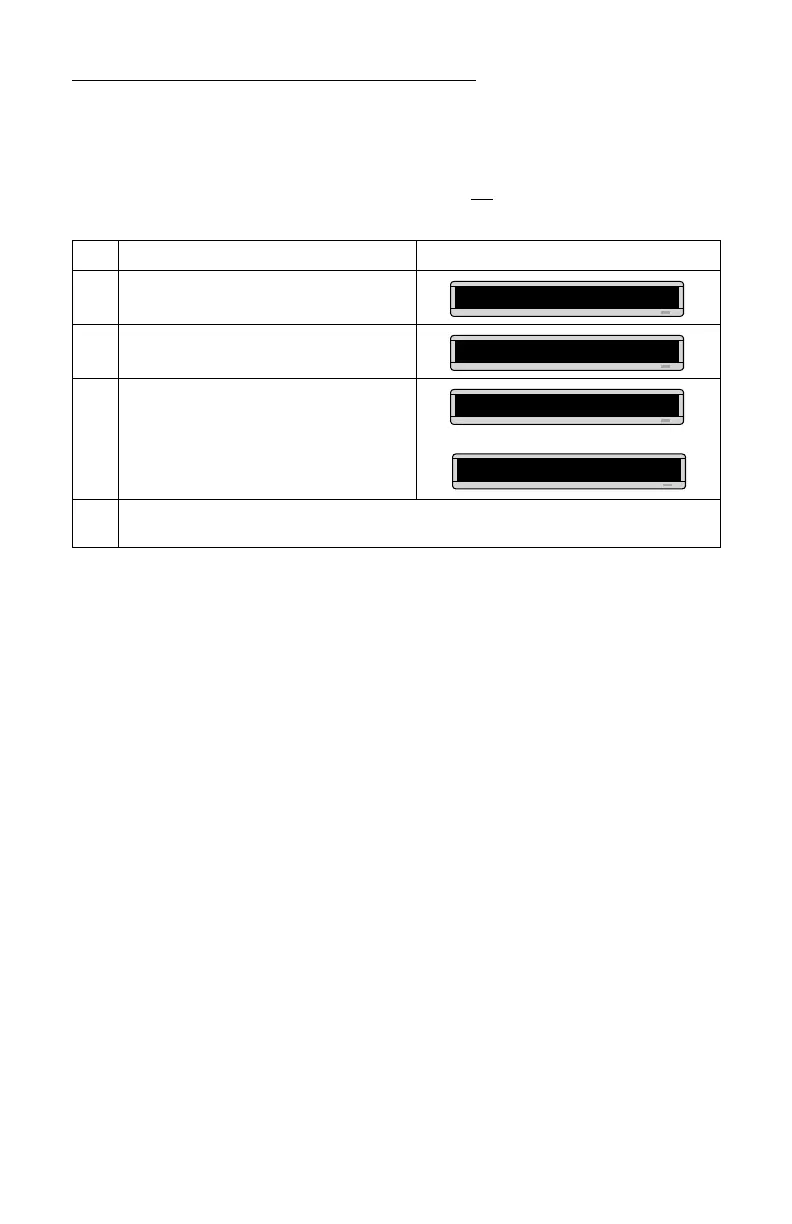
Step When you do this... You see this...
1 Press PROGRAM.
2 Press BACK until CLEAR MEMORY appears.
3 Press ADV.
4
Press Y to clear the sign’s memory. The sign will return to normal operation and display a series of demo
messages.
PROG TEXT A
CLEAR MEMORY
WARNING!
THEN
CLEAR ALL? Y/N



 To Next Page