Remote Control Programming Manual
Basic sign operation: Sound control 7
What to do when you forget a sign’s password
How to delete a sign’s password
If you no longer want to be prompted to password protect a sign, you
must clear the sign’s memory in order to delete the password. To do this,
see “Clearing a sign’s memory” on page 5.
Sound control
Normally, when you press a Remote Control key while programming
a sign, the sign will beep.
If you want to turn the beeping off, hold down
SHIFT and then press
RUN. (To turn the beeping on again, repeat this.)
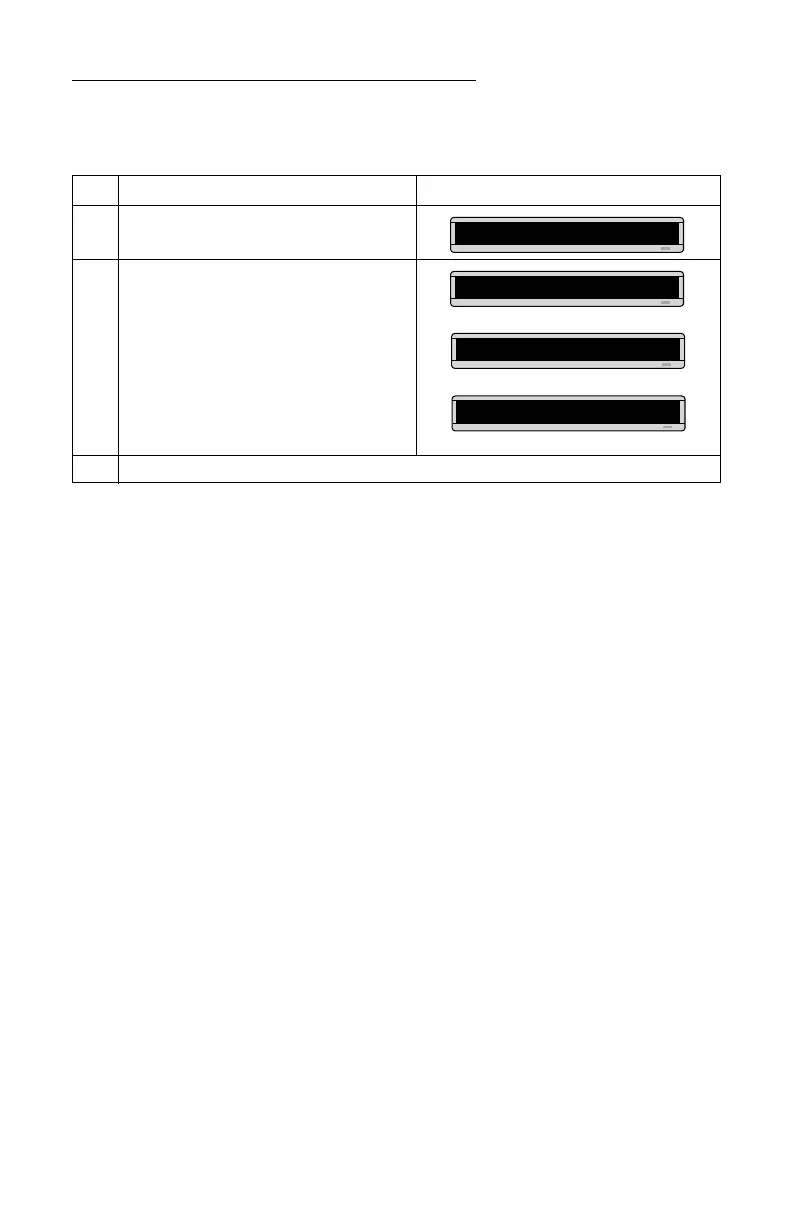
Step When you do this... You see this...
1 Press PROGRAM.
2 Hold down SHIFT and press L six times.
3 Enter a new password. (See “Setting a sign’s password” on page 6.)
PROG TEXT A
******
CORRECT
THEN
PROG TEXT A
THEN



 To Next Page