Remote Control Programming Manual
Beginning text messaging: Example 1 — Using upper and lowercase in messages 9
4 Press RUN twice.
Now that the first message is done, we’ll enter a second message which contains upper and lowercase characters.
5 Press PROGRAM again.
6 Press SELECT.
7 Press B.
8
Type T
Press CAPS to switch to
lowercase letters.
Type his is your second
message
9 Press RUN twice.
Because Automode [AUT] was used in your message (see Step 3), the
text of your message will be displayed in a variety of formats. For
example, one of the formats (or modes) called Scroll moves your
message from the bottom to the top of the sign.
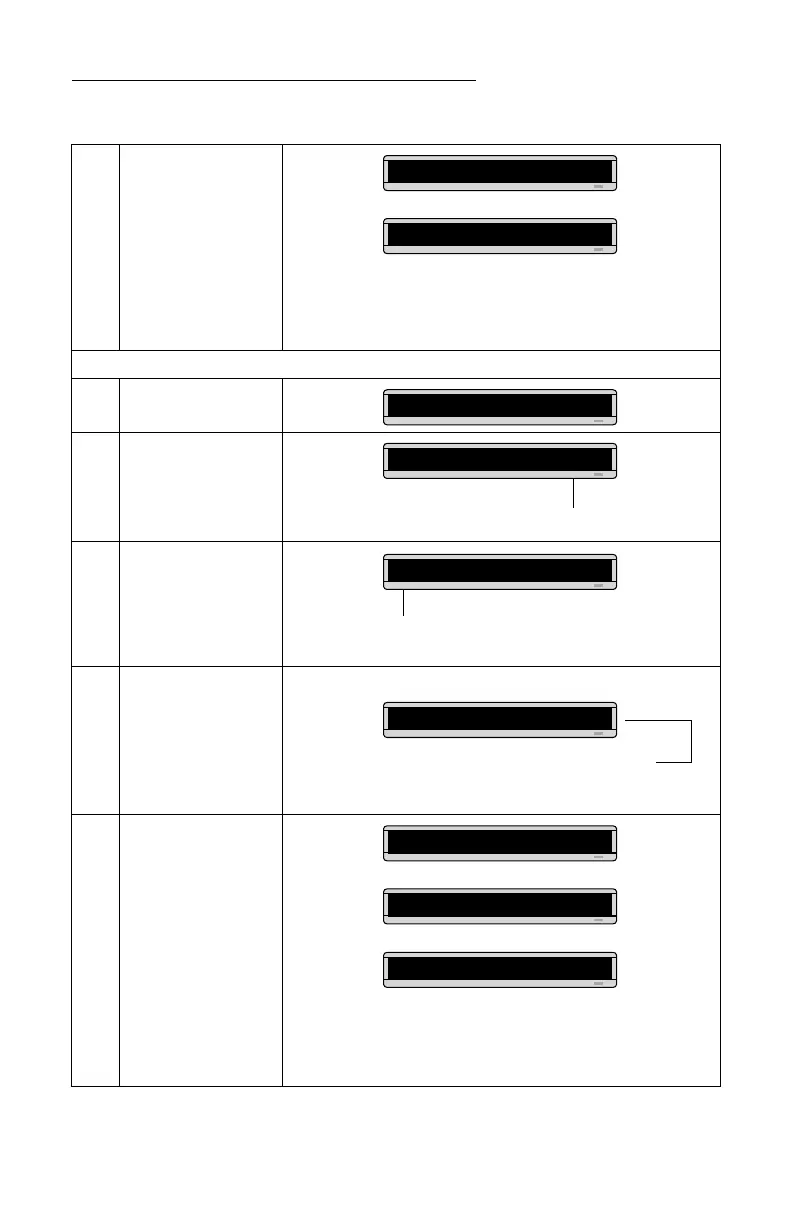
THIS IS YOUR
FIRST MESSAGE
THEN
PROG TEXT A
The A changes to a question mark (?) after pressing SELECT.
PROG TEXT ?
“B” is now the file name of your second message. If you pressed
A instead of B, you would have written over the first message.
B]
Your message should look like this when you’re done typing.
B]cond message
You should notice that . . .
• The first message doesn’t appear at all. (We’ll fix this is the
following example.)
This is your
second
THEN
THEN
message



 To Next Page