Remote Control Programming Manual
Advanced text messaging: Example 7 — Using fonts and colors 21
2 Press PROGRAM.
3 Press ADV.
4
Hold down SHIFT and
press 5 for HOLD.
5
Press COLOR until [GRN]
(green) appears.
6
Press FONT to select
[SRF] (the serif font).
7
Using CAPS and SHIFT
when needed, type This is
SRF
8
Press RETURN to start a
new line of text.
9
Press COLOR until [AMB]
appears.
10
Press WIDTH to display
wide text.
11
Using CAPS and SHIFT
when needed, type SRF
Wide
12
Press RETURN to start a
new line of text.
13
Press WIDTH again to turn
wide characters off.
PROG TEXT A
A]
A] [HLD]
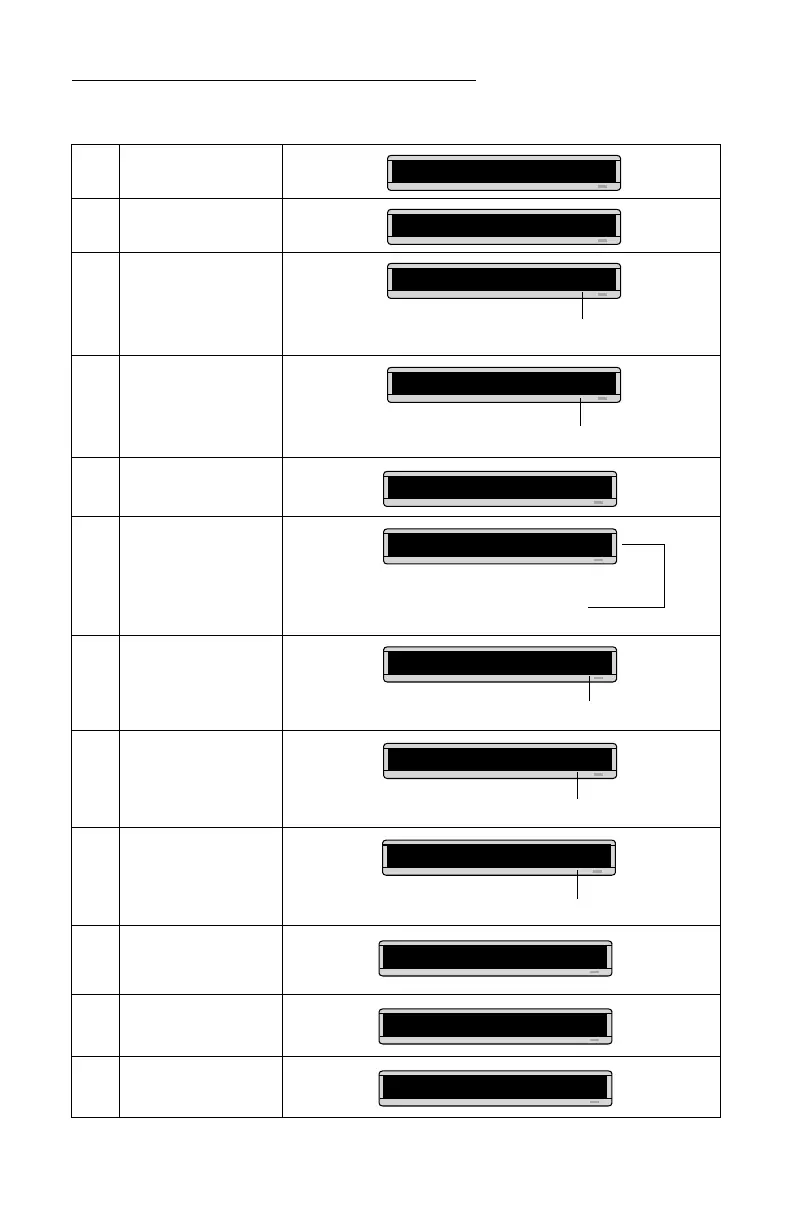
Hold mode turns off Automode.
A] [HLD][GRN]
We’ll make the first part of the message appear in green.
A] [HLD][GRN][SRF]
As you type, the font you selected will appear
as it will actually be displayed on the sign.
A]
his is SRF
This symbol indicates RETURN.
is is SRF
↵
A]
A]
s SRF
↵
[AMB
All the text after [AMB] will be amber colored.
[WID] = wide text
A]
RF
↵
[AMB][WID
A]
Wide
A]
Wide
↵
A]
de
↵
[SLM]



 To Next Page