a) After the new batteries are activated, the year number flashes in
the display. You can advance the year by pressing the Memory but-
ton. To confirm and set the year, press the Time/Date button.
b) You can now set the month using the Memory button. To con-
firm and set the month, press the Time/Date button.
c) Follow the instructions above to set the day, hour and minutes.
d) Once you have set the last minute and pressed the Time/Date
button, the date and time are set and the time is continously dis-
played.
e) If you want to change the date and time, press and hold the
Time/Date button down for approx. 3 seconds, release, then hold
again for another 3 seconds, and release - the year number will
then flash.
Now you can enter the new values as described above.
9
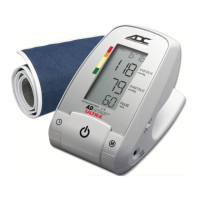
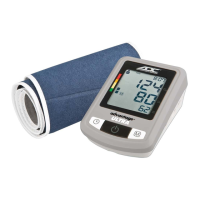
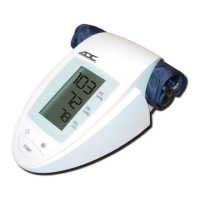
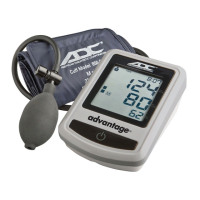
Each Model has its own specific cuff:
Model Item Number Description
6021 850-6013 D-bar Nylon Cuff
For arm circumference 22 - 32 cm or (8.7” - 12.6”)
6022 850-6022 Wide Range Soft Cuff
For arm circumference 22 - 41 cm or (8.7” - 16”)
6023 850-6023 Wide Range Rigid Cuff
For arm circumference 22 - 46 cm or (8.7” - 18.1”)
* If you ever need to buy a replacement cuff, use only ADC
®
brand.
Note:
Arm circumference should be measured with a measuring tape in the middle of the re-
laxed upper arm. Do not force cuff connection into the opening. Make sure the cuff con-
nection is not pushed into the AC adapter port. If the cuff is too small, call
1-800-232-2670 for further information. You may prefer to use one of our wrist type
monitors.
4. Using your Monitor for the First Time
4.1 Activating the pre-installed batteries
Pull out the protective strips projecting from the battery compartment.
4.2 Setting the date and time



 To Next Page