3
3. PRODUCT FEATURES
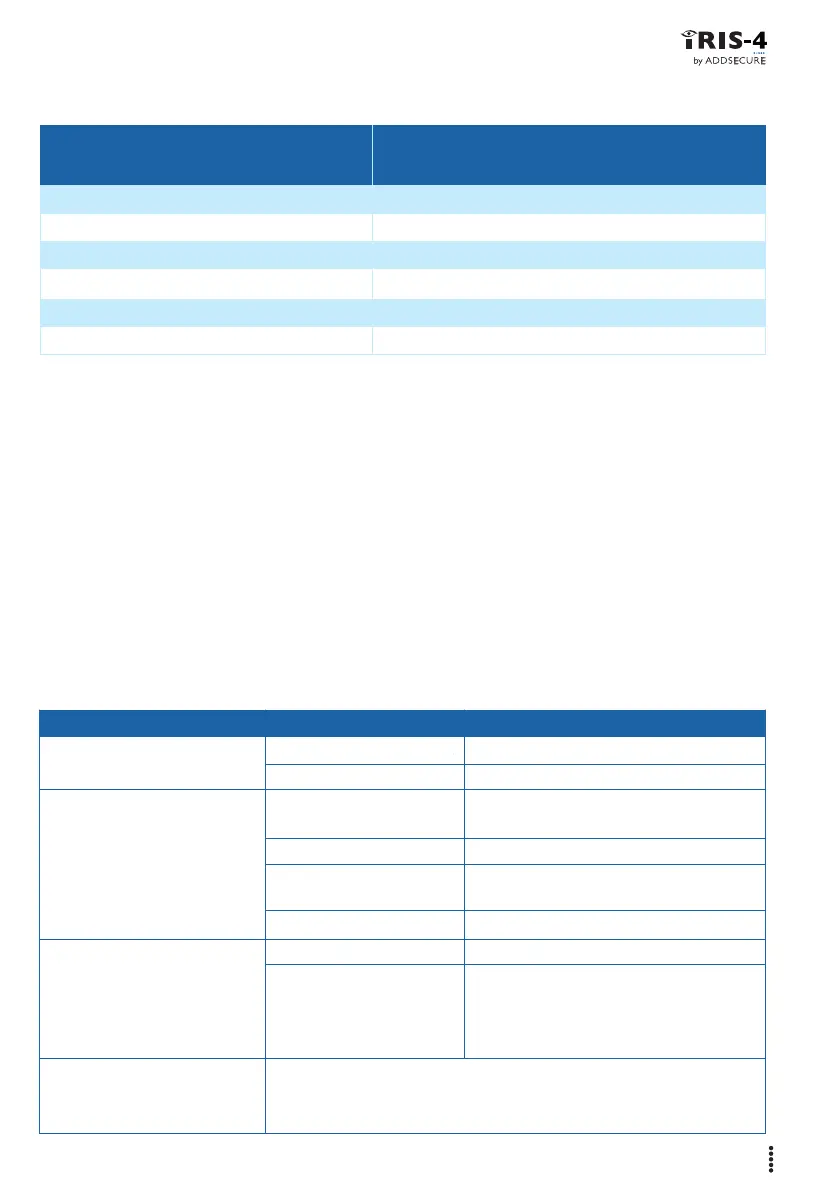
FEATURES IRIS-4 50
Cellular network interface 2/3/4G 1
eSIM 1
Dial capture input 1
Pin inputs 2
Relay outputs 2
Serial input (RS232) 1
4. BEFORE YOU START
The terminal must have its cellular subscription activated, prior to installation, by going
to www.addsecure.com/activate, and using the Terminal Activation Code (TAC), which is
found on the terminal and the packaging. Make sure that the monitoring centre (ARC) to
which the terminal will send alarm signals is equipped with the appropriate IRIS Secure
Apps receiving system.
The following information should be obtained from the Monitoring Centre.
• Terminal account number.
• Monitoring centre IP address.
LED COLOUR DISPLAY REASON
Terminal status (green) On, steady No faults.
Flashing, on 0.5s, off 0.5s One or more fault present.
Cellular (yellow) On Cellular OK, will flicker off for 0.1s to
shows poll to alarm receiver at ARC.
Flashing, 0.5s on. 0.5s off Polling failed or not configured.
Flashing, 0.1s on, 0.9s off Registered to cellular network, but
no IP connection.
Off Not registered to cellular network.
Panel (red) On Panel interface OK.
Flashing, on 0.5s, off 0.5s Panel interface fault, either Dial Capture
tamper, pin input tamper or no serial
activity. Note each of these fault notifica-
tions are disabled by default.
All LEDs Will flash together for a short period when the terminal has been defaulted.
Will blink together for a short period if the terminal is installing new
software which it has received.
5. LED INDICATIONS



 To Next Page