51
Weather Station with Wireless Outdoor Sensor WS 1600
English
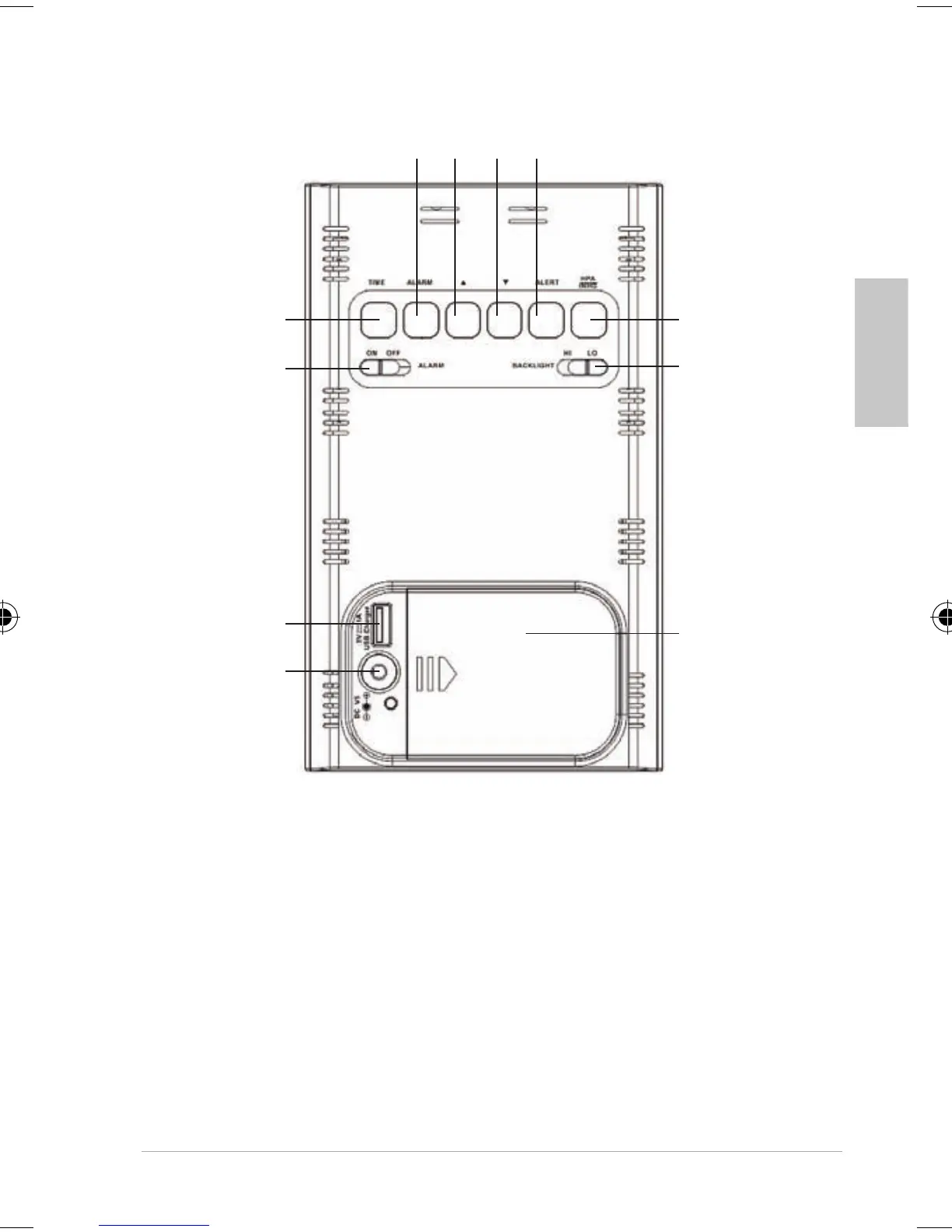
Rear view
1 2 3 4
5
6
11
10
7
8
9
1 Setting the alarm time
2 Adjust values (increase)
Change temperature unit
3 Adjust values (decrease)
Manually start/suspend signal reception
4 Set temperature alarm and turn it on and off
5 Change air pressure unit
6 Select brightness of display light
FW Station 1600.indb 51 12.04.2016 13:04:52



 To Next Page