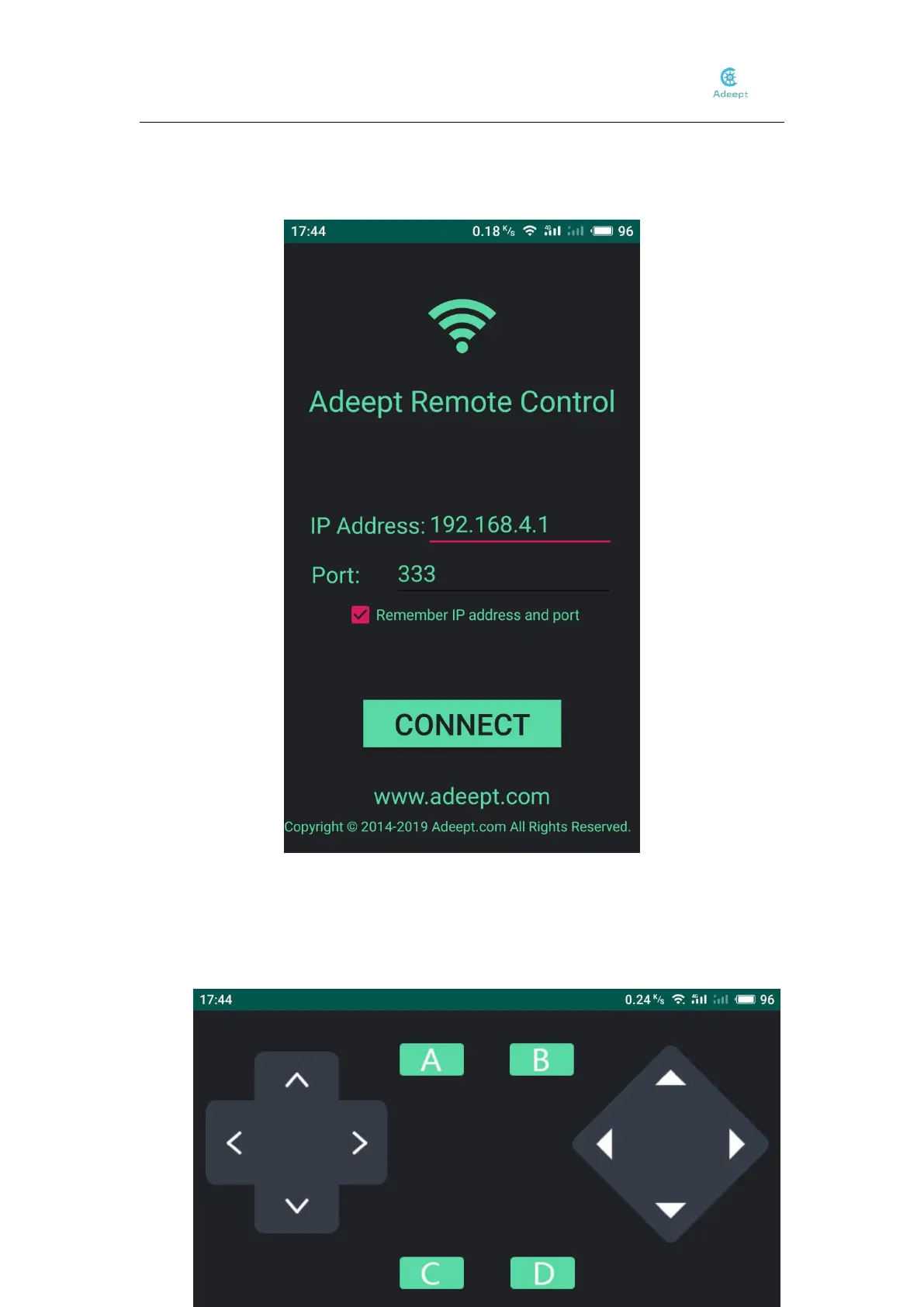
4、Enter the IP Address we used this time: 192.168.4.1, the port: 333, then click CONNECT.
5. Then enter the control interface, and the movement of the robot can be controlled through the
buttons on the interface. The button on the left controls the robot to move up and down. The
button A and B is to switch mode. The button A is automatic obstacles avoiding, and B is self-
stabilizing.



 To Next Page