7.Before switching on, you need to insert the configured SD card into the Raspberry Pi. For
details, please refer to the third chapter of the document. Otherwise, the servo will not rotate
to the middle position after booting. If SD card is not inserted, the servo needs to be rotated to
the middle position manually.
After debugging, remove the servo and battery holder, and take the 18650 batteries out of the
Holder Set. Do not rotate the rotation axis before the servo fixed to the rocker arm. Otherwise,
you need to re-debug the servo.
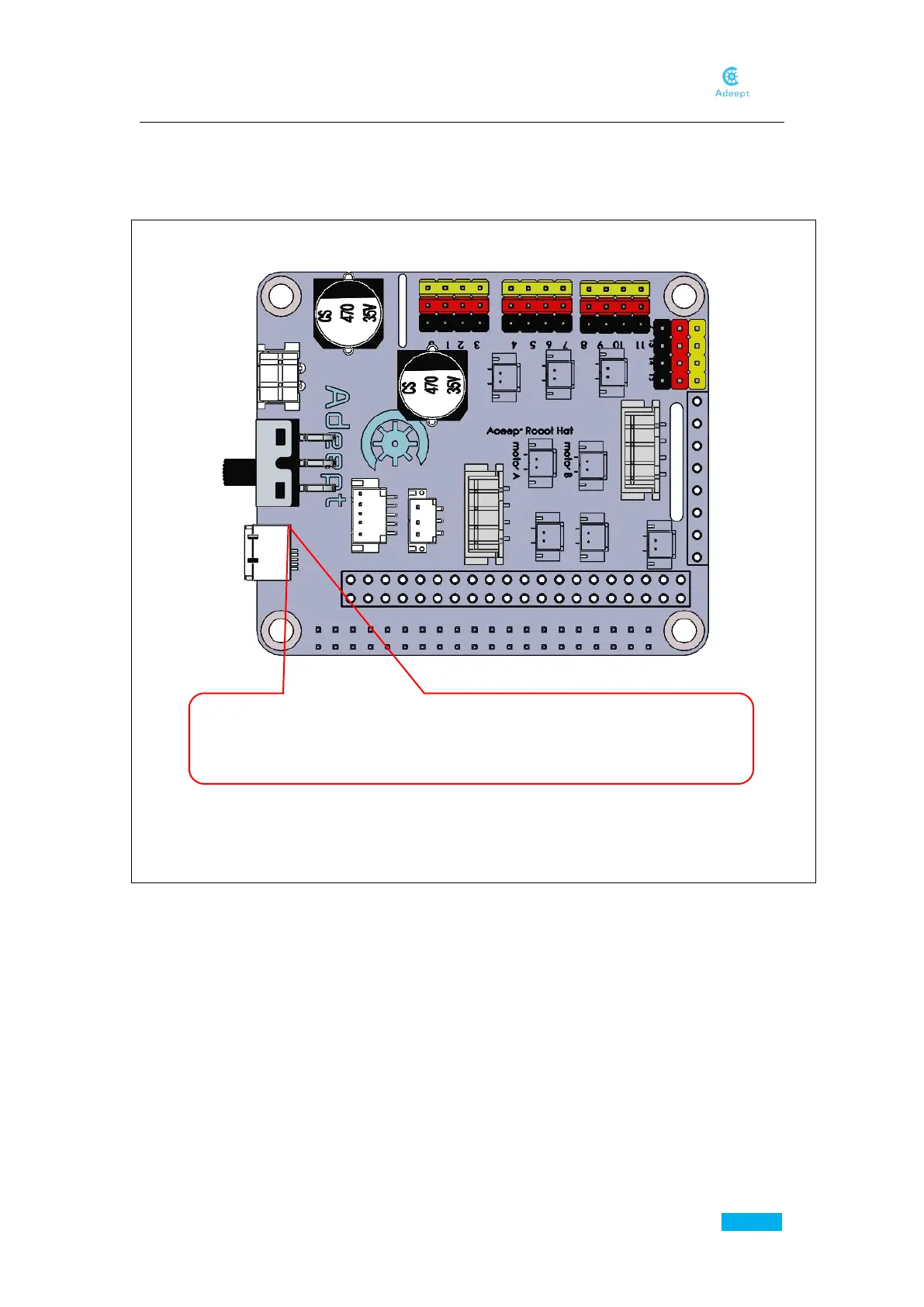
Turn the switch here to “ON” (power on), the servo will automatically rotate to
the initial position. Wait a few seconds till the servo stop, and then turn the
switch to “OFF” (power off).



 To Next Page