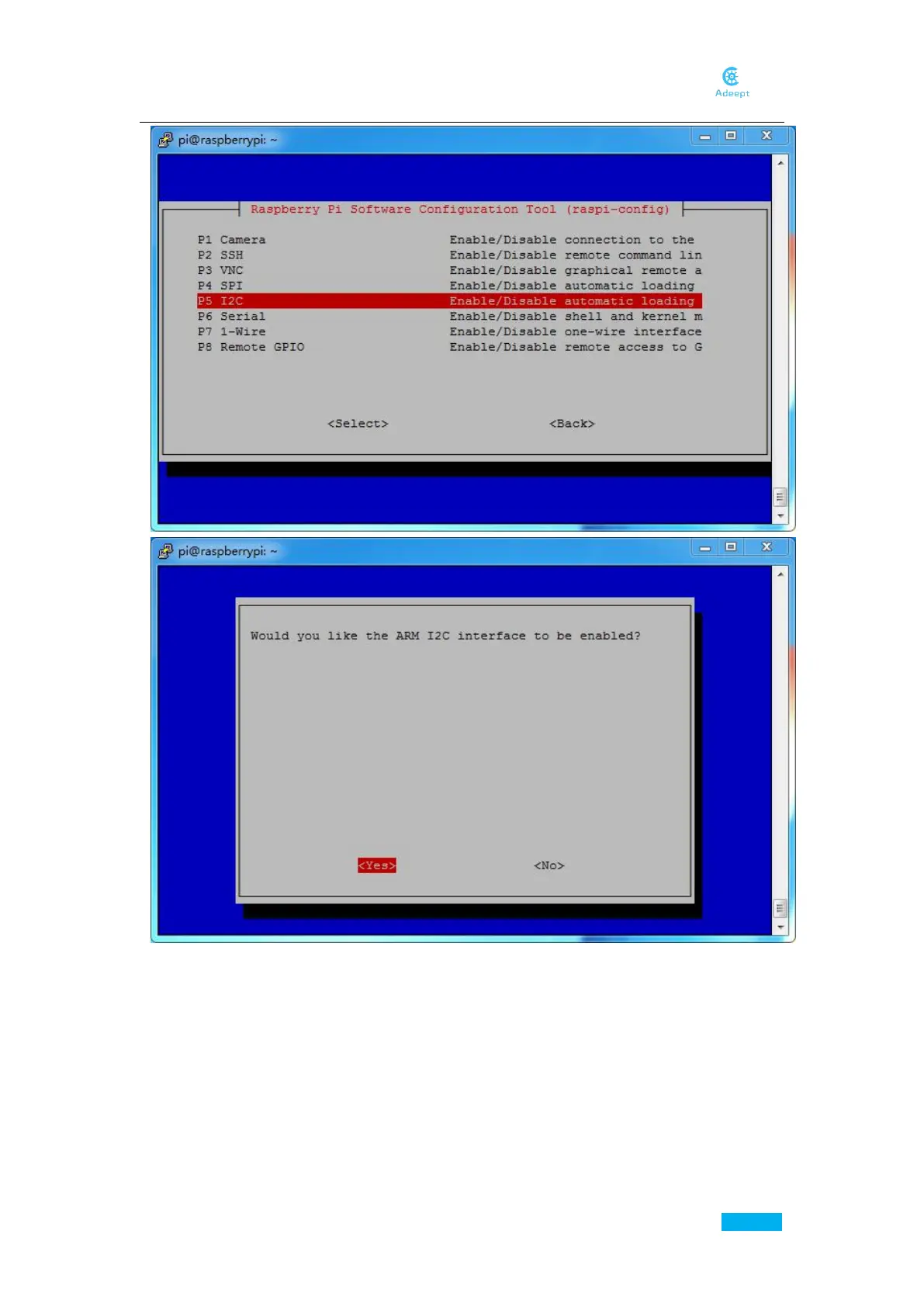
Now you’ve already enabled I2C, move on to enable Camera.
sudo raspi-config
Click through:
5 Interfacing Options ->P1 Camera ->Yes ->OK ->Finish ->Yes
Reboot the Raspberry Pi. If it does not reboot automatically, type in the following command:
reboot
Then the I2C and Camera module are both enabled.
After the Raspberry Pi is rebooted, type in the following command to check that the module
has been enabled:
lsmod | grep i2c



 To Next Page