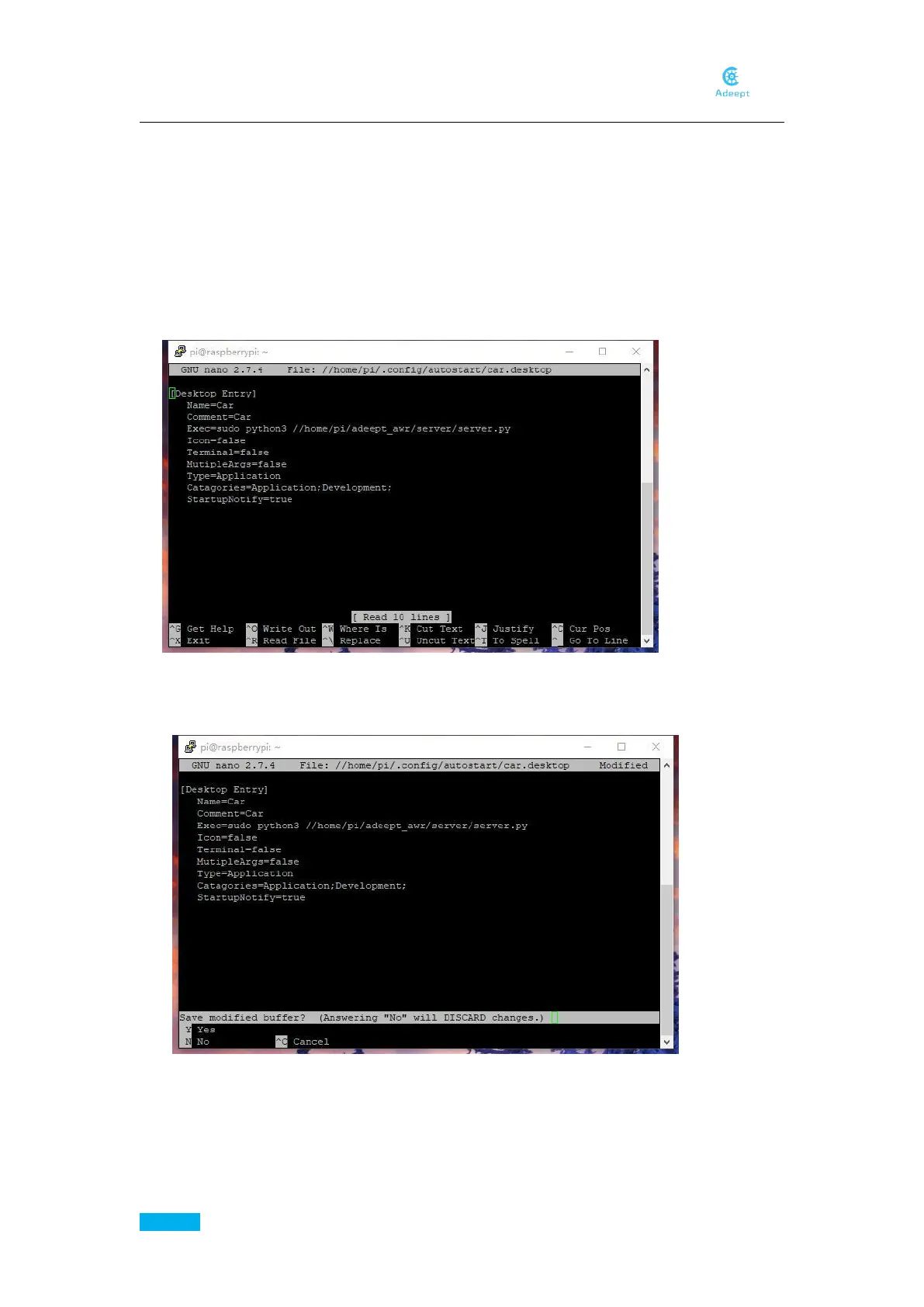
Comment=Car
Exec=sudo python3 /home/adeept_awr/server/server.py
Icon=false
Terminal=false
MutipleArgs=false
Type=Application
Catagories=Application;Development;
StartupNotify=true
Then press Ctrl + X to exit editing
Input Y to save and press Enter to confirm.
Then you need to copy the set.txt to /home/pi/ so that the program could find it and load
settings. If you set a wrong setting and the car won’t work well, you can simply copy it again
to replace the old one, and the car will go back to normal.
sudo cp -f /home/adeept_awr/server/config.txt /home/pi/config.txt



 To Next Page