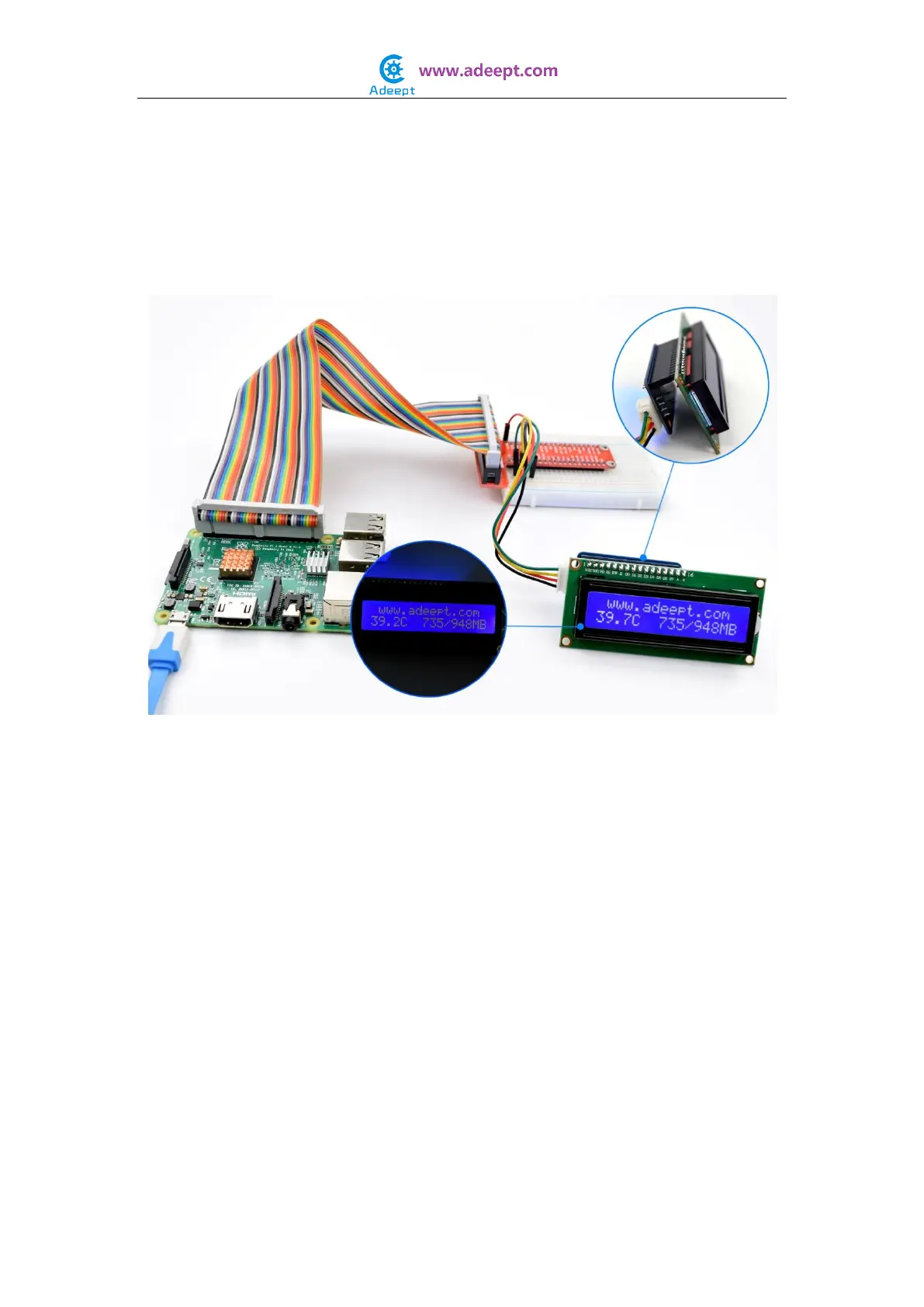
For Python users:
Step 3: Edit and save the code with vim or nano.
(code path: /home/Adeept_Sensor_Kit_for_RPi_Python_Code/35_LCD1602/i2c_lcd1602.py)
Step 4: Run
$ sudo python i2c_lcd1602.py
NOTE:
If characters are not displayed on the LCD, try to turn the potentiometer(a blue knob) for
contrast adjustment on the I2C Interface Module. Or, you can toggle the switch on the
module to see whether the backlight is on.


 To Next Page