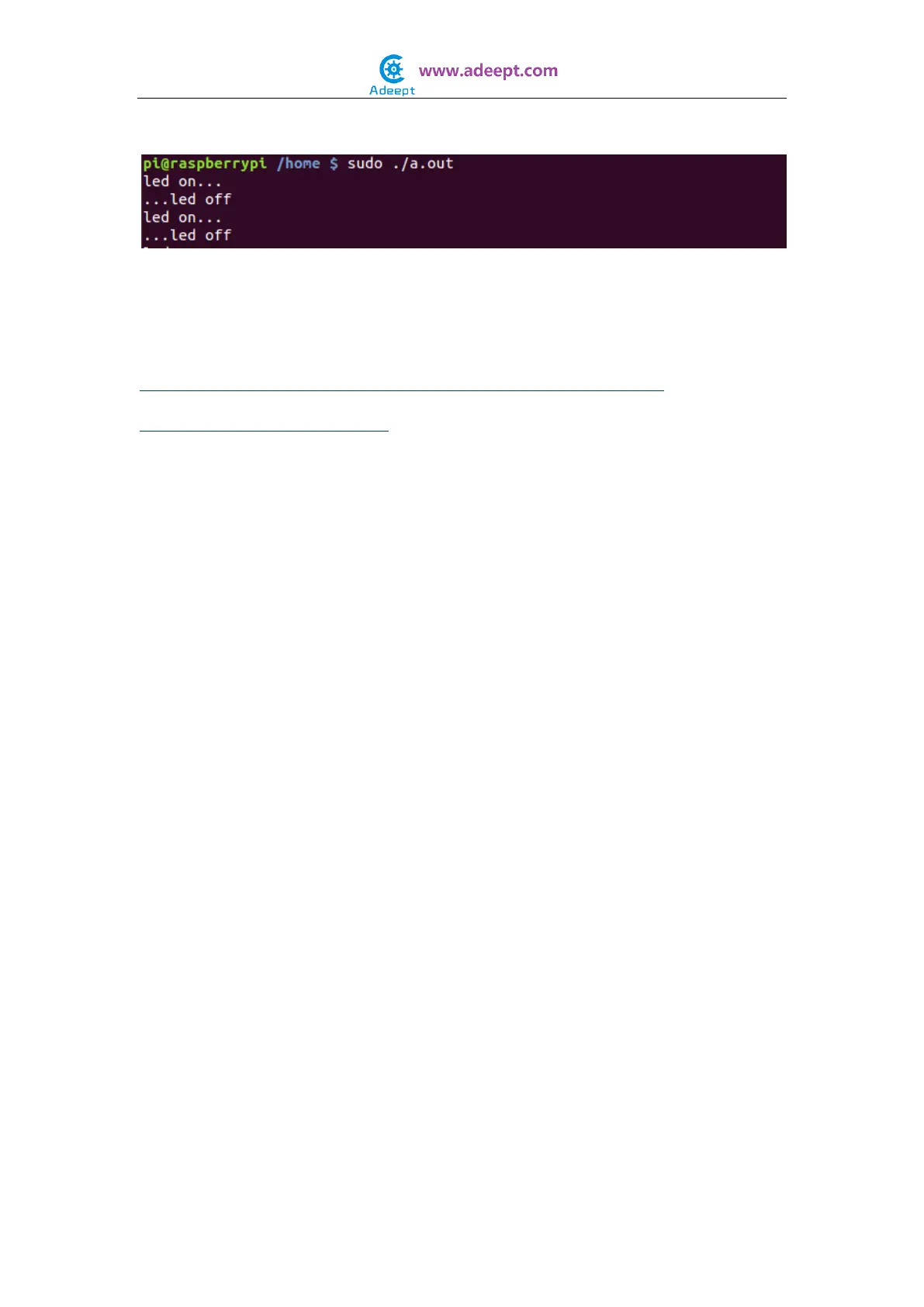
$ sudo ./a.out
Now you should see that the LED is blinking. Press ‘Ctrl+C’ and the program
execution will be terminated.
Resources:
http://sourceforge.net/p/raspberry-gpio-python/wiki/Examples/
http://wiringpi.com/reference/
NOTE:
Before you continue learning, please copy the source code provided with the
kit to your Raspberry Pi's /home/ directory, or download the source code
directly from our github repository:
C Language Source Code:
$ git clone https://github.com/adeept/Adeept_Sensor_Kit_for_RPi_C_Code
Python Source Code:
$ git clone https://github.com/adeept/Adeept_Sensor_Kit_for_RPi_Python_Code


 To Next Page