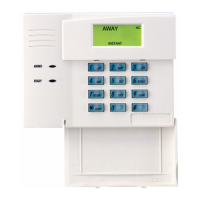
40
Advanced System Features
Introduction to Advanced System Features
While most of the commonly used security functions are available
from the 6270’s advanced user interface, there are some less used,
advanced features that can either be accessed through Console
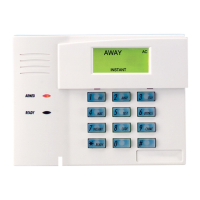
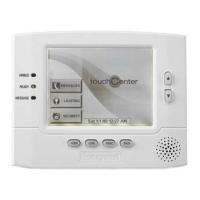
Emulation mode on the 6270 or a standard alpha keypad. To use
features not supported by the 6270, refer to your Control Panel User
Guide.
Console Emulation Mode
Console Mode allows you to use a 6270 interface just as you would a
regular system keypad. All commands shown in Console Emulation
mode can also be executed from a standard alpha keypad.
How to Enter Console Emulation Mode
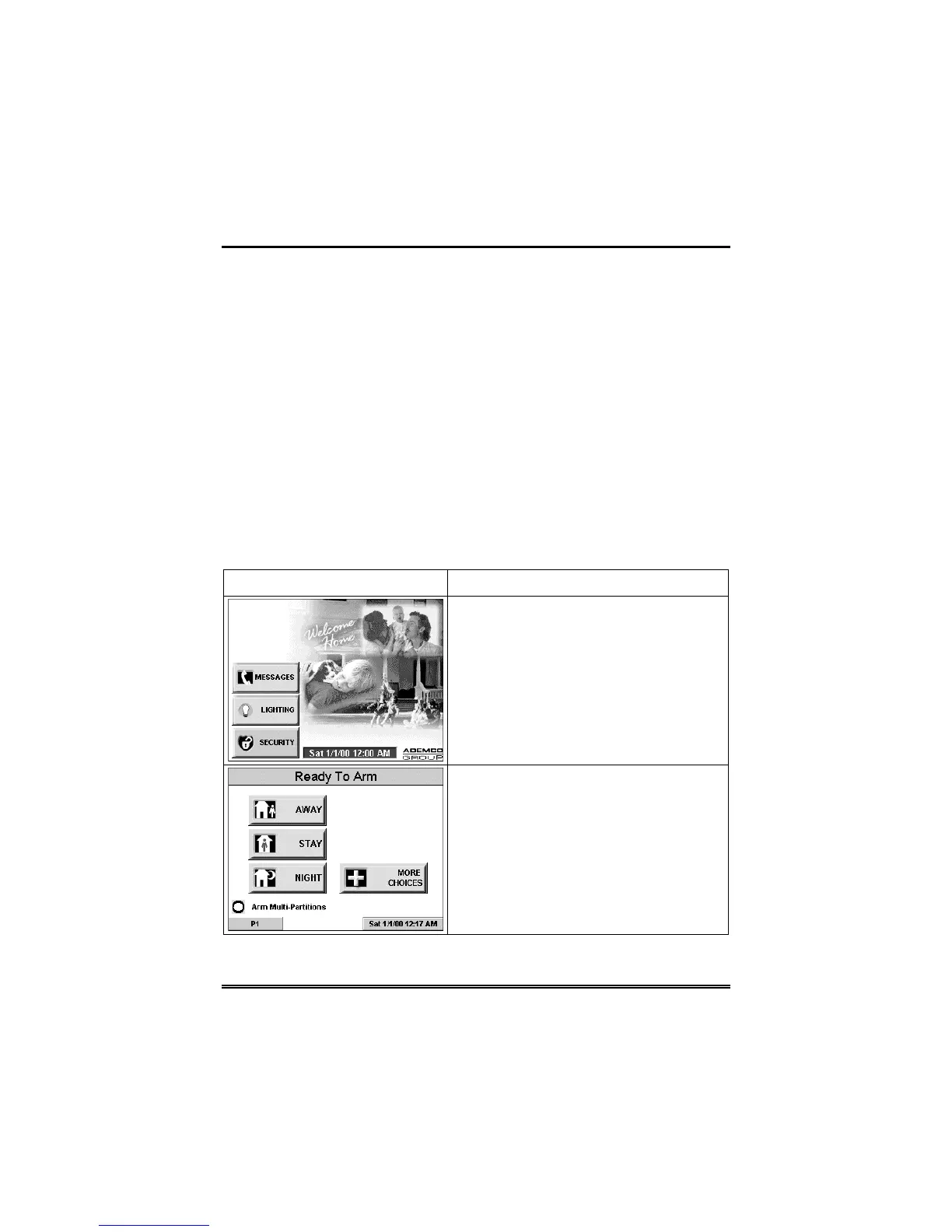
To access the touch screen "Keypad," do the following:
SCREEN ACTION
1. From the "Home" screen, press the
SECURITY
button. The "Arming" screen
is displayed.
2. Press the
MORE CHOICES
button.
The "More Choices" screen is displayed.


 To Next Page