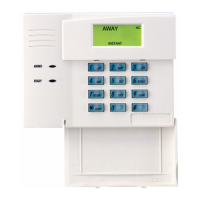
6270 Setup (Cont'd)
53
SCREEN ACTION
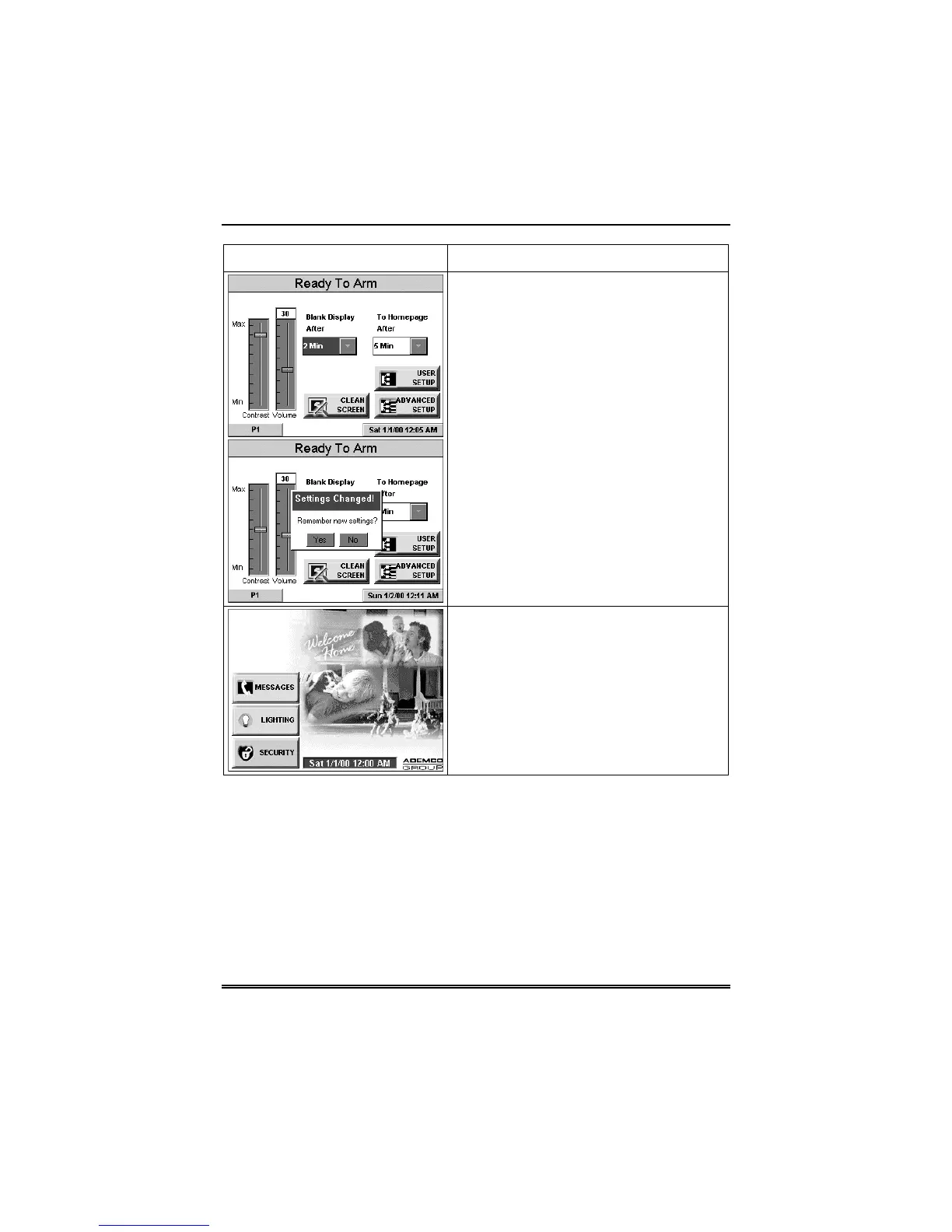
3. Press either the "Home" or "Back"
button. A
Settings Changed!
pop-up
window is displayed asking “
Settings
Changed! Remember New Settings?
“
Select
Yes
to save the change or
No
to
discard the change.
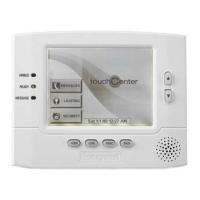
When the Update is complete the 6270
goes to the "Home" screen or "More
Choices" screen depending on whether
you pressed the "Home" or "Back" button,
respectively ("Home" screen shown).


 To Next Page