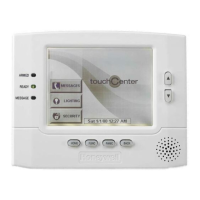
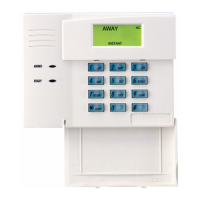
About the 6270 (Cont'd)
7
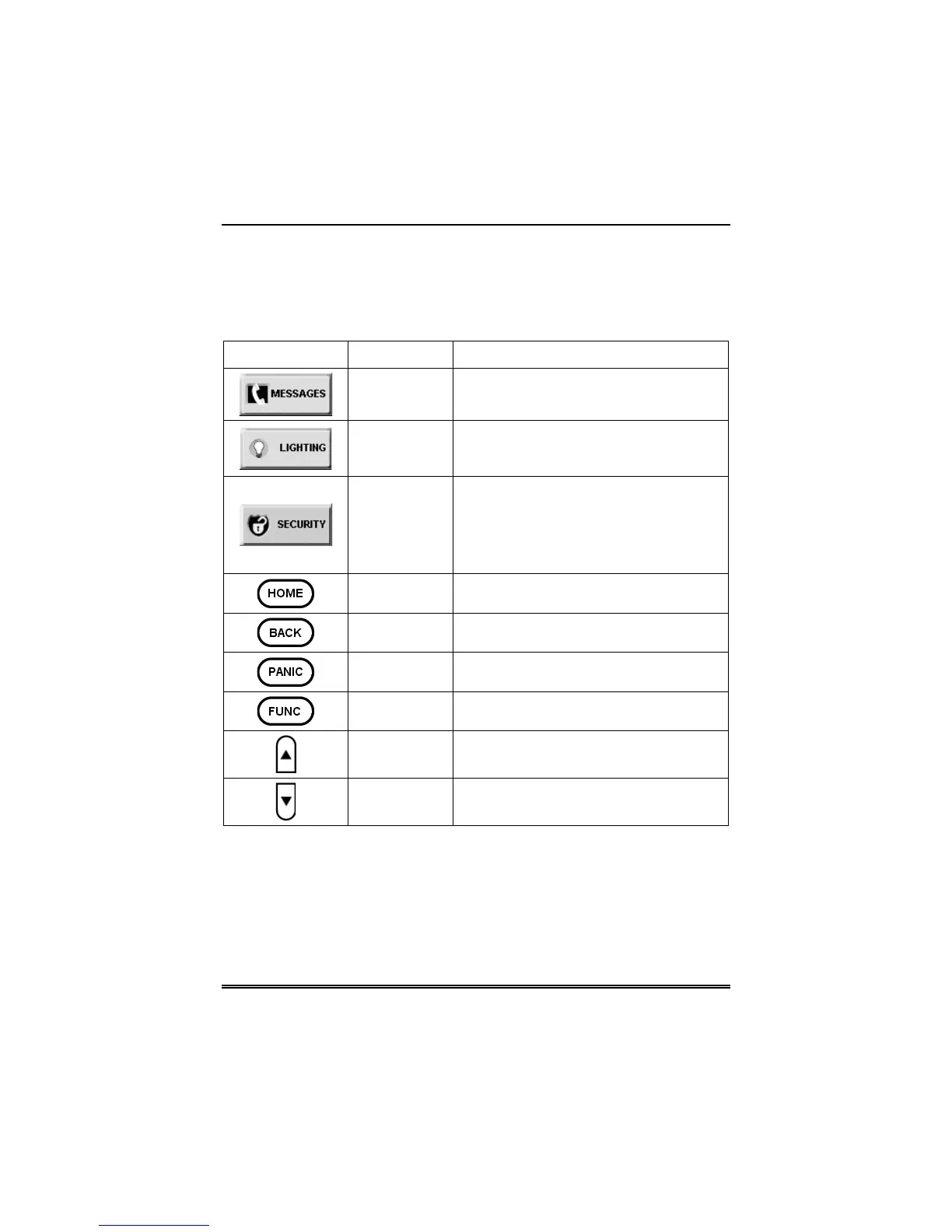
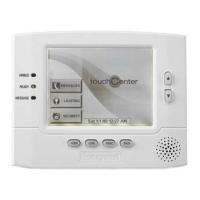
6270 Icon/Button Descriptions
To aid in the navigation of the 6270, a set of user-friendly icons and
buttons has been provided. The appearance, function, and location of
these icons and buttons is described below:
ICON/BUTTON LOCATION FUNCTION
"Home"
screen
Allows you to record and retrieve voice
messages.
"Home"
screen
Allows you to turn certain devices on and
off (if installed and programmed by your
installer.)
"Home"
screen
Accesses "Arming" screen.
Note:
The lock symbol in the shield
indicates security system status.
Unlocked – system disarmed
Locked – system armed
Below screen Returns you to the 6270 "Home" screen.
Below screen Reverts to the last screen viewed.
Below screen
Displays Emergency functions (as
programmed by your installer.
Below screen For future use.
To the right of
screen
Use to scroll up through lists displayed
on the screen.
To the right of
screen
Use to scroll down through lists displayed
on the screen.


 To Next Page