11
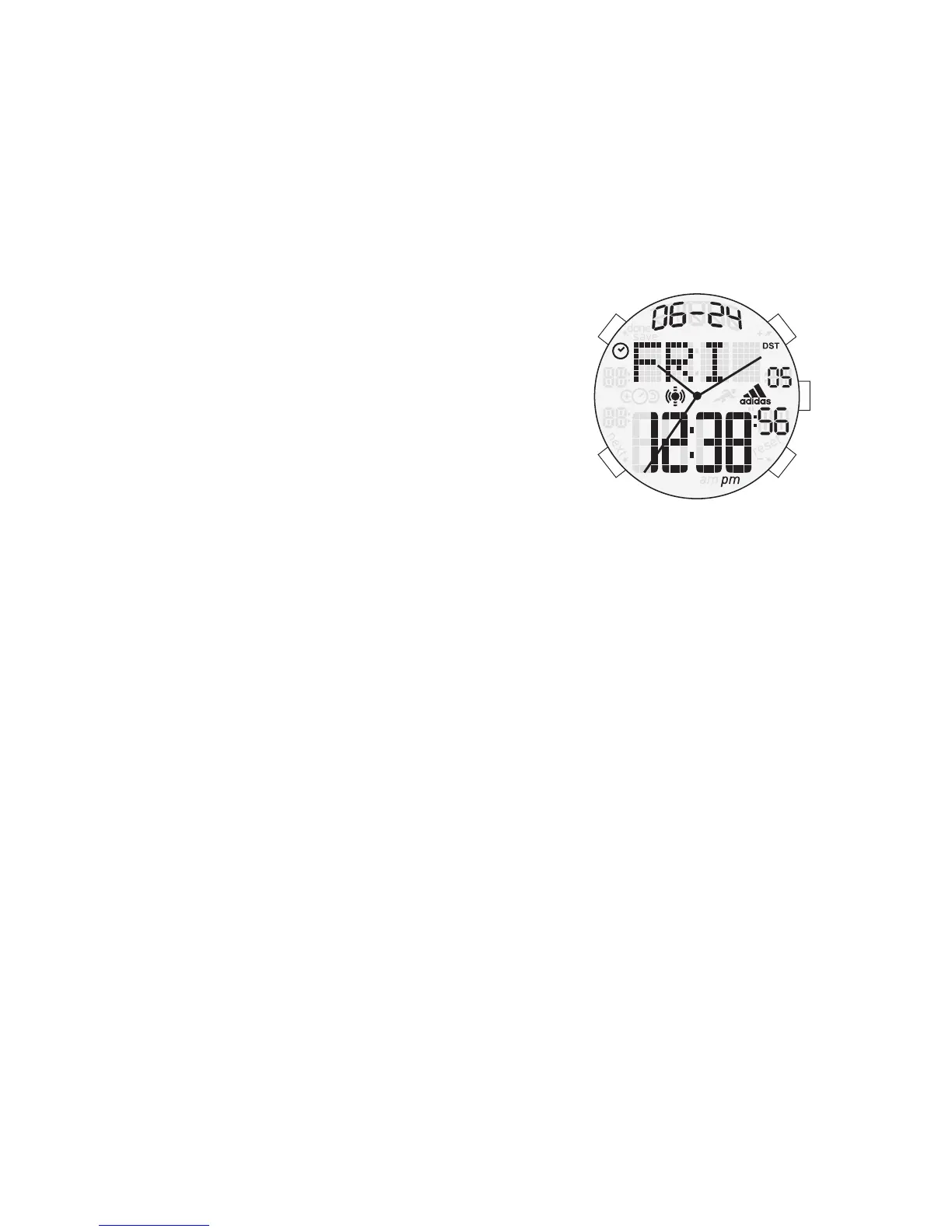
TWIN ANALOG-DIGITAL
NORMAL TIME DISPLAY
1. Press A for EL.
2. Press E to toggle chime on/off.
3. Press and hold B to turn off LCD screen. Press
and hold B again for day and date. Press and hold
B again for normal time mode.
TIME SETTING
1. In time mode, press and hold A; city will begin flashing.
2. Press E to increase setting value and/or D to decrease setting value.
3. Press B to advance to next setting field.
4. Setting sequence is city, hour, minute, second, DST on/off, year, month, date,
12/24 hour format, month-date format.
5. Press A to exit.
ALARM MODE
1. Press B to enter alarm mode.
2. Press E to enable/disable alarm.
ALARM SETTING
1. In alarm mode, press and hold A to enter alarm setting mode; hour will begin
flashing.
2. Press E to increase setting value and/or D to decrease setting value.
3. Press B to advance to minute.
4. Press A to exit.
NOTE: Alarm status will be ON automatically after exit the AL setting mode. No
button operation for 60 seconds will auto-exit display with changes saved, but alarm
status is OFF.
WORLD TIME MODE
1. Press B to enter world time mode.
2. Press E and D to scroll up/down through cities.
3. Press C to turn on/off DST (Daylight Savings Time).
4. Press A when finished.
5. Press and hold A to exchange world time for local time.
TIMER SETTING
1. Press B to enter timer mode.
2. Press and hold D to enter setting mode; hour will begin flashing.
3. Press C to increase setting value.
4. Press B to enter next setting field.
5. Setting sequence is hour, minute, second.
6. Press D to exit setting mode.



 To Next Page