6
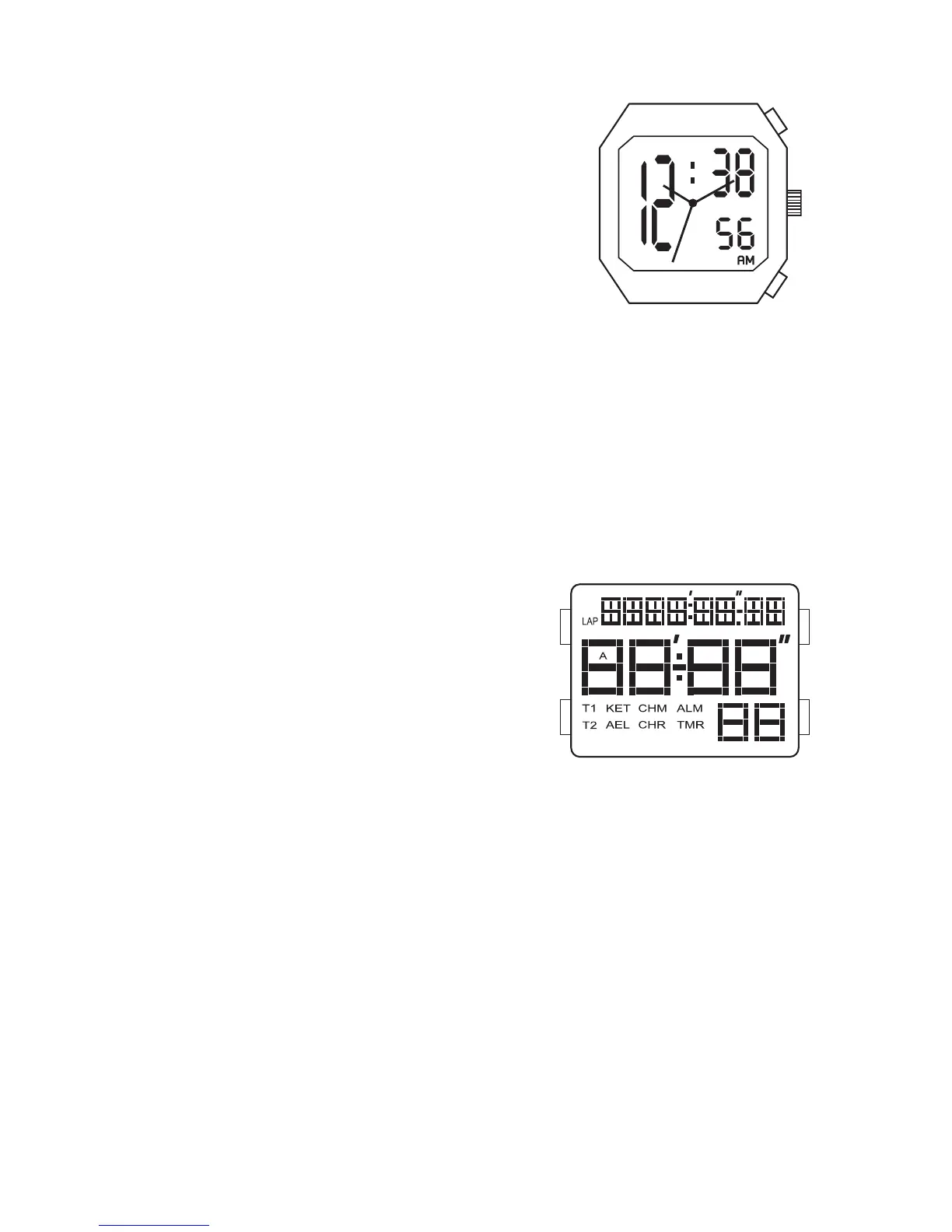
DATE/TIME ANALOG-DIGITAL
SWITCHING DISPLAYS
1. Press A to advance from time mode to
calendar mode.
2. Press A again to return to time mode.
TIME/CALENDAR SETTING
1. In normal time display, Press B to enter
setting mode; year will begin flashing.
2. Press A to increase setting value.
3. Press B to set and advance to next setting value.
4. Setting sequence is year, month, date, 12/24-hour time, hour, minute, second.
5. Press nothing for 30 seconds, to automatically exit time/calendar setting mode.
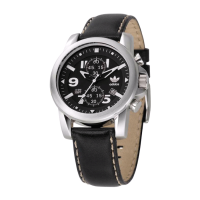
10 LAP MEMORY DIGITAL FL145GB
REAL TIME DISPLAY MODE
1. Press A for EL in any mode.
2. Press C to toggle between Time 1 and Time 2.
3. Press and hold C to set Time 1 or Time 2 as
the default timer.
4. Press D to toggle chime on/off.
TIME/CALENDAR SETTING
1. In normal time display, press and hold A to enter setting mode; chime will begin
flashing.
2. Press C to increase setting value. Press D to decrease setting value.
3. Press B to set and advance to next setting value.
4. Setting sequence is chime, 12/24-hour time, hour, minute, second, year, month,
date, Auto EL.
5. Press A to save data and exit setting mode.
CHRONOGRAPH MODE
1. Press B to change to chronograph mode.
2. Press C to start chronograph; press D for lap when the chronograph is running.
3. Press D to change views while chronograph is running.
4. Press C to stop chronograph.
NOTE: When running, there is a maximum of 10 laps, afterward last lap will be
overwritten each time additional lap is recorded.


 To Next Page