9
KIDS DIGITAL
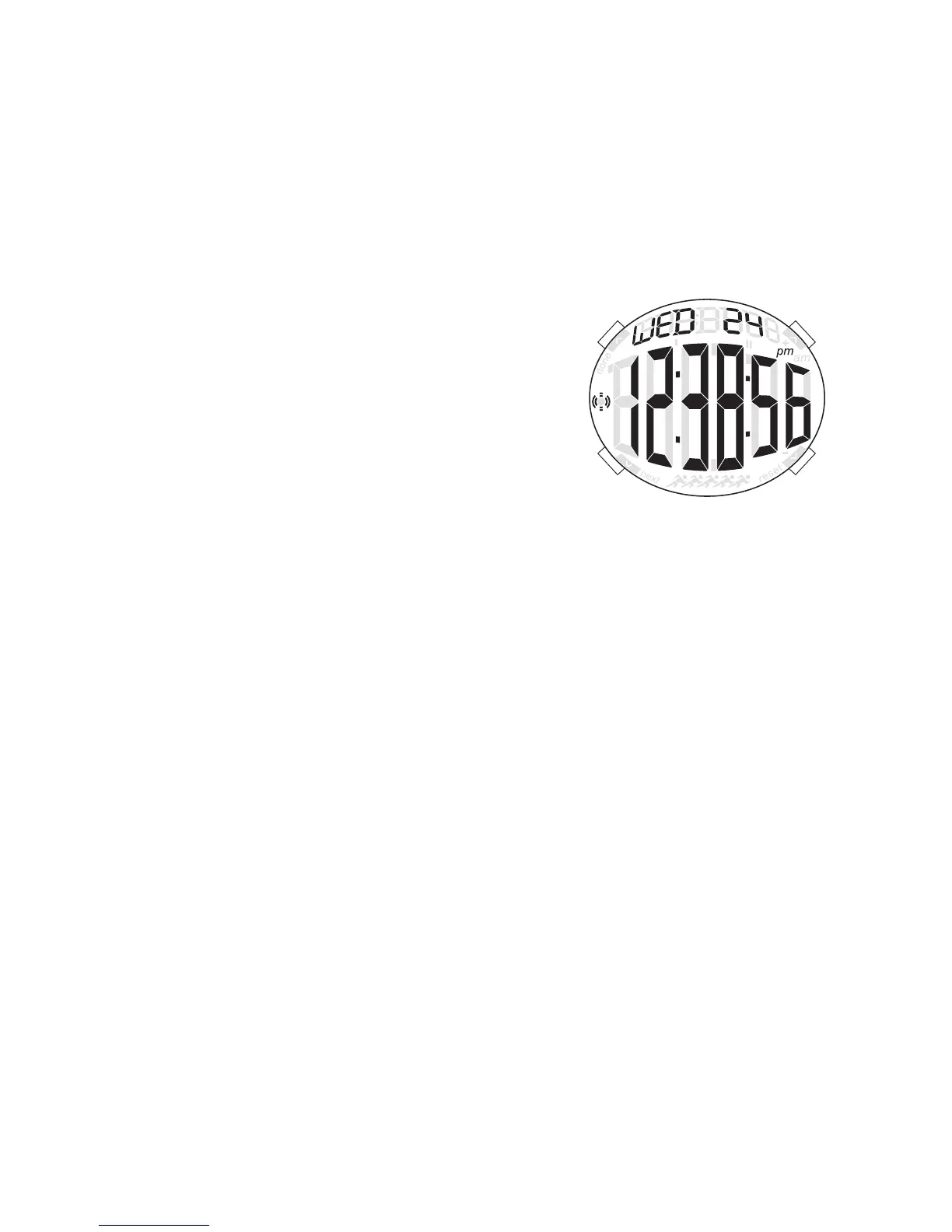
TIME MODE
1. Press B to change modes.
2. Press A for EL.
3. Press C to select 12/24 hour format.
4. Press D to enable/disable hourly chime.
TIME SETTING
1. In time mode, press and hold A for 2 seconds to enter time setting.
2. Press C to increase setting value. Press D to decrease setting value.
3. Press B to enter next setting field.
4. Press pusher A to exit setting mode.
ALARM MODE
1. Press B to enter alarm mode.
2. Press A for EL.
3. Press C to select alarm 1 or alarm 2.
4. Press D to enable/disable alarm.
ALARM SETTING
1. Press and hold A for 2 seconds to enter alarm setting.
2. Press C to increase setting value. Press D to decrease setting value.
3. Press B to enter next setting field.
4. Repeat steps 2 and 3 until desired time is selected.
5. Press A to exit setting mode.
Note: Alarm turns on automatically when exiting setting mode.
CHRONO MODE
1. Press B to enter chrono mode.
2. Press C to start chrono.
3. Press D to stop chrono.
4. Press and hold D for 2 seconds to reset chrono.
NOTE: Maximum chrono time is 23 hours, 59 minutes, and 59 seconds. When chrono
reaches maximum time, it will stop running. Press and hold D to reset value to run
chrono. 1/00s resolution for first 59 minutes and 59.99 seconds.
4. Press and hold D for 2 seconds to reset chrono.
NOTE: Maximum chrono time is 23 hours, 59 minutes, and 59 seconds. When chrono
reaches maximum time, it will stop running. Press and hold D to reset value to run
chrono. 1/00s resolution for first 59 minutes and 59.99 seconds.



 To Next Page