10
10 LAP DIGITAL
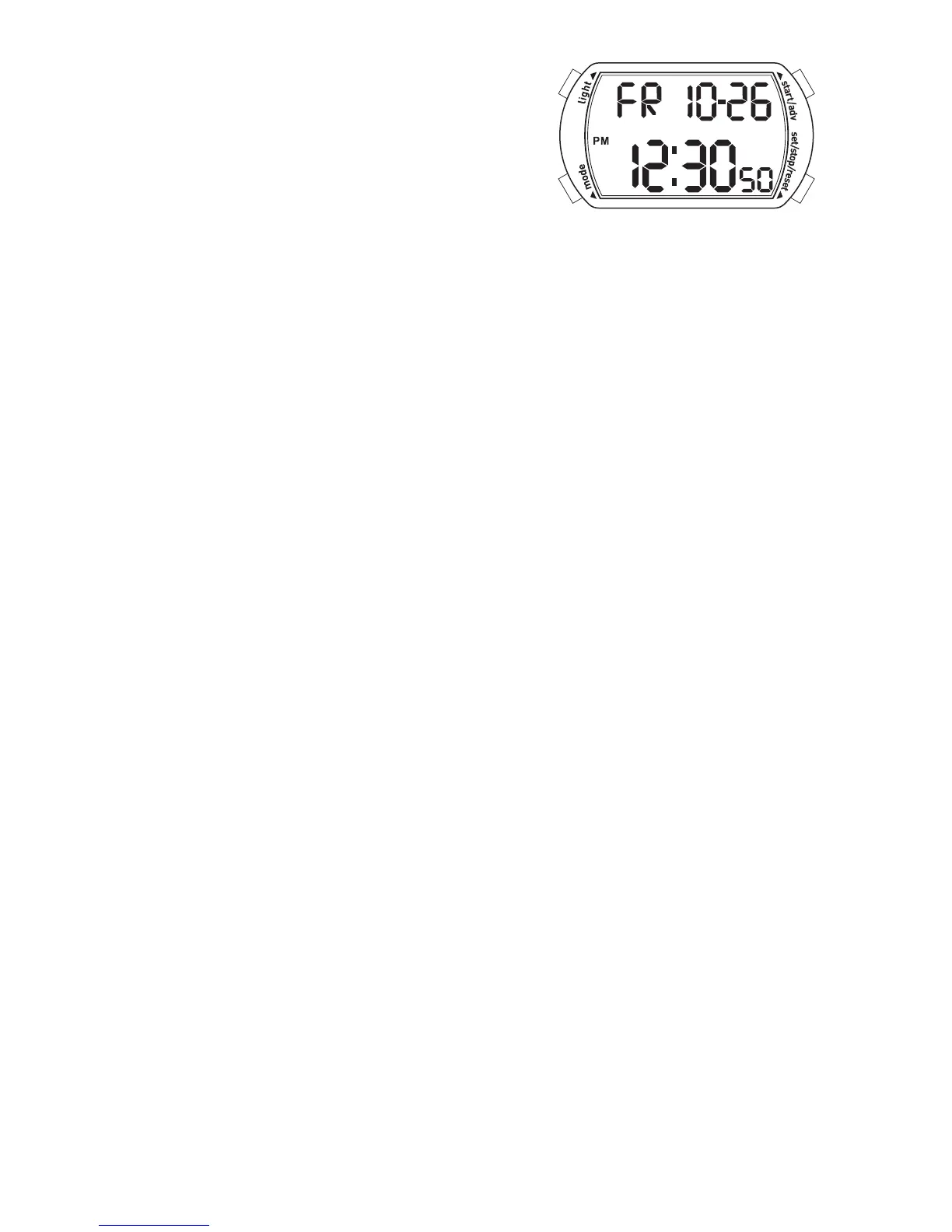
NORMAL TIME DISPLAY
1. Press A for EL.
2. Press C to select T1 or T2 format.
TIME SETTING
1. In time mode, press and hold D for 2 seconds to enter time setting; hour will
begin flashing.
2. Press C to increase setting value.
3. Press B to enter next setting field.
4. Setting sequence is hour, minute, day, year, month, date.
5. Press D to exit setting mode.
ALARM MODE
1. Press B to enter alarm mode.
2. Press C to toggle alarm/chime on/off.
3. Press D to select Home Alarm or T2 Alarm.
ALARM SETTING
1. Press and hold D for 2 seconds to enter alarm setting; hour will begin flashing.
2. Press C to increase setting value.
3. Press B to set minutes.
4. Press D to exit setting mode.
Note: Alarm turns on automatically when exiting setting mode.
CHRONO MODE
1. Press B to enter chrono mode.
2. Press D to select split or lap mode. Split mode will display the full time of all
records after each split. Lap mode will display only the new lap time after each
record has been recorded.
3. Press C to start chrono.
4. Press C again to split time.
5. Repeat step 4 until desired number of laps have been reached (maximum 10).
6. Press D to stop chrono.
7. To review, press B to enter recall mode before resetting.
8. Press D again to reset chrono.
RECALL MODE
1. Press C to recall each lap (10 maximum).
2. Press D to return to chrono.
TIMER MODE
1. Press C to start countdown timer.
2. Press D to stop countdown timer. Press D again to reset timer.



 To Next Page