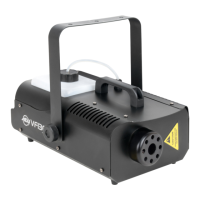
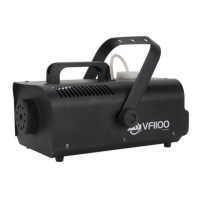
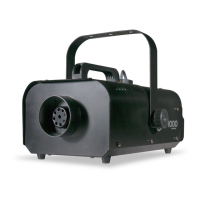
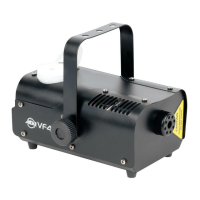
9
This device features a single DMX channel to control fog output. This allows you to control each indi-
vidual xture’s traits with a standard DMX 512 controller.
1. To run your xture in DMX mode, set the DMX address using the dipswitches located on the rear
panel of the unit.
2. After you have set your DMX address, connect the xture to any standard DMX controller using
the xture’s XLR connectors. Follow the set-up specications that come with your DMX control-
ler.
DMX CONTROL
1. Open the shipping carton and carefully remove the unit from the shipping carton. Remove all the
packing material from the device, paying special attention to the area around the nozzle.
2. Set the fog machine on a at dry surface. Locate the included bracket from the package and
attach it to the sides of the fog machine using the supplied hardware. Please note: The bracket
is an optional accessory, and its usage is required when the fog machine is being installed in a
suspended or hanging conguration.
3. Fill the fog uid reservoir with ADJ brand fog juice only and then tighten the cap.
4. Firmly attach the remote control unit to the remote control socket on the rear of the unit.
5. Plug the unit in to a matching power supply. At this time, the uid reservoir will glow red, indicat-
ing that the unit is heating up. Wait about eight minutes for the fogger to reach normal operating
temperature. When it has reached sucient temperature, the reservoir will glow green to indicate
that the device is ready to emit fog.
6. To emit fog, either press the remote button, use the timer function, or use the manual button on
the rear of the unit. See the Timer Remote Operation section of this manual for operating in-
structions.
SET UP


 To Next Page