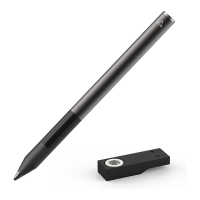
How To Turn the Pixel On and Off?
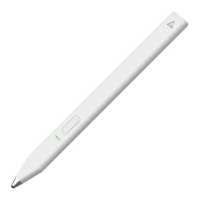
Turn On: Press and hold the button closest to the tip. A green light will flash to indicate
the Pixel has turned on.
Turn Off: Press and hold the button closest to the tip. A green light will flash. Keep
holding the button. A red light will flash to indicate the Pixel has been turned off. It takes
about 10 seconds to turn the Pixel off.
The Pixel is not drawing/writing or connecting well. What do I fix it?
Try the following fixes:
*Fix the Bluetooth connection - the most common issue
*"Forget" all the Bluetooth devices on your iPhone/iPad. To do this, follow the steps below:
1) Go to the Bluetooth settings on your iPhone/iPad.
2) Forget a device by pressing the "i" circle and tapping "Forget this device."
3) Forget all connected Bluetooth devices.
4) Turn off your iPhone/iPad. Then turn it back on.
5) Connect your stylus via compatible apps (i.e. GoodNotes, Photoshop Sketch, etc).
*Check the stylus for any damage


 To Next Page