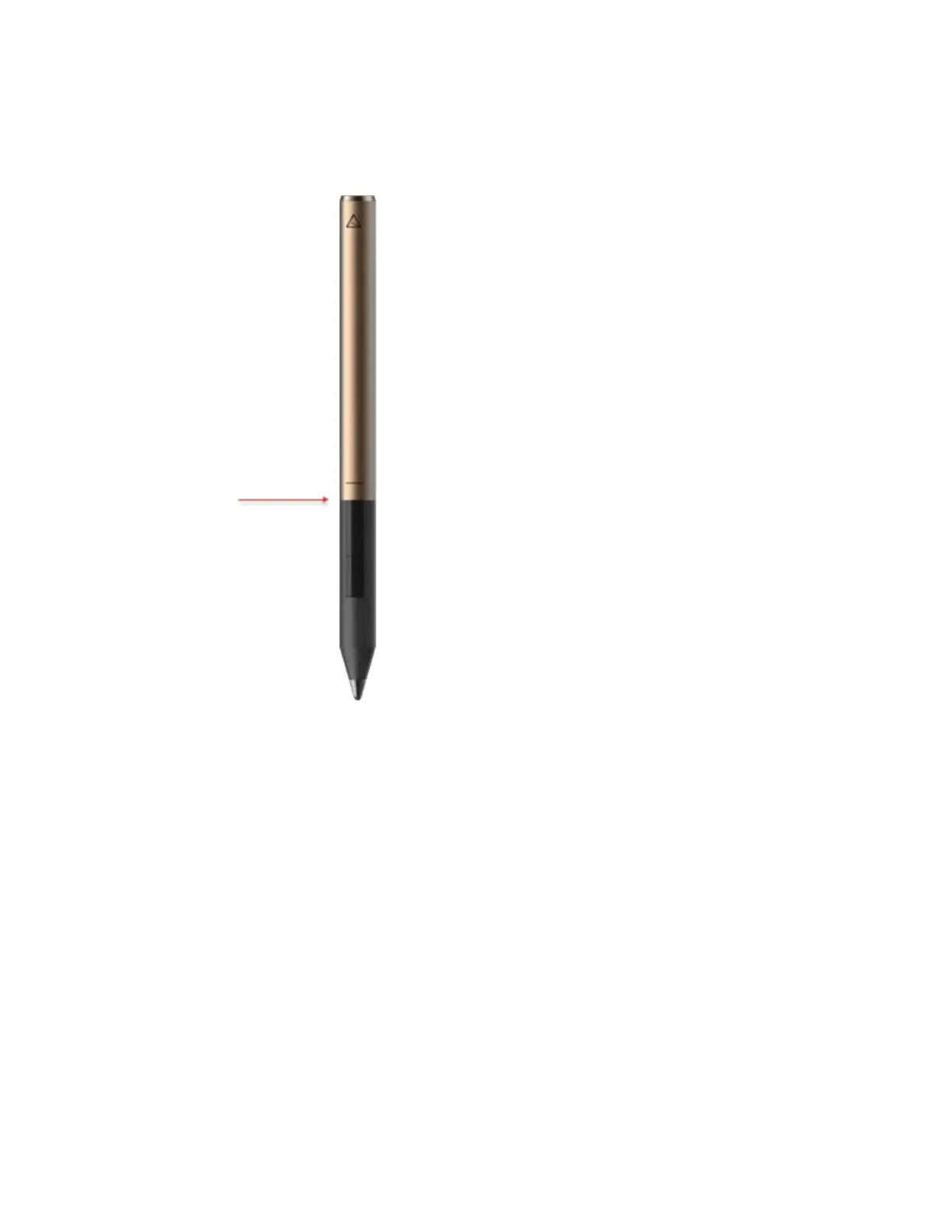
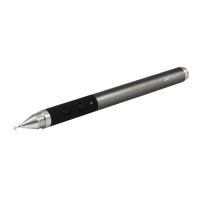
1) Button section of the Pixel - DO NOT twist the button section of the Pixel. Doing so
may damage the wiring. The button section should not move at all.
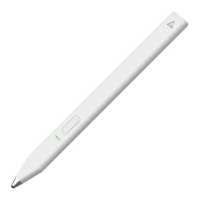
2) Black writing tip - The writing tip should be completely black. An exposed metallic
color indicates damage. Also, anything stuck to the tip will effect writing/drawing.
Instructions on how to clean the tip in the next section.
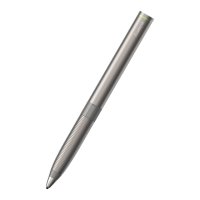
3) Stainless steel cone - The stainless cone under the writing tip should be fully tightened
onto the Pixel. Note that there is a natural gap between the cone and the Pixel itself.
Cleaning the cone may help with connection issues. Instructions on how to clean are


 To Next Page