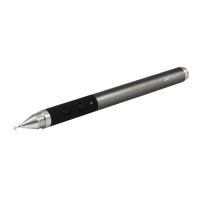
The Pixel doesn't seem to be charging. What can I do?
It might be a USB charger issue.
Please try the following fixes:
1) Clean the USB charger of obstructions (i.e. dust, paper, etc). Also, clean the charging
end of the stylus. You can clean obstructions from both the USB charger and stylus by
rubbing it with a microfiber cloth. Then use a cotton swab dipped in a little rubbing
alcohol to wipe the inside of the charger. Wait for it to dry before charging.
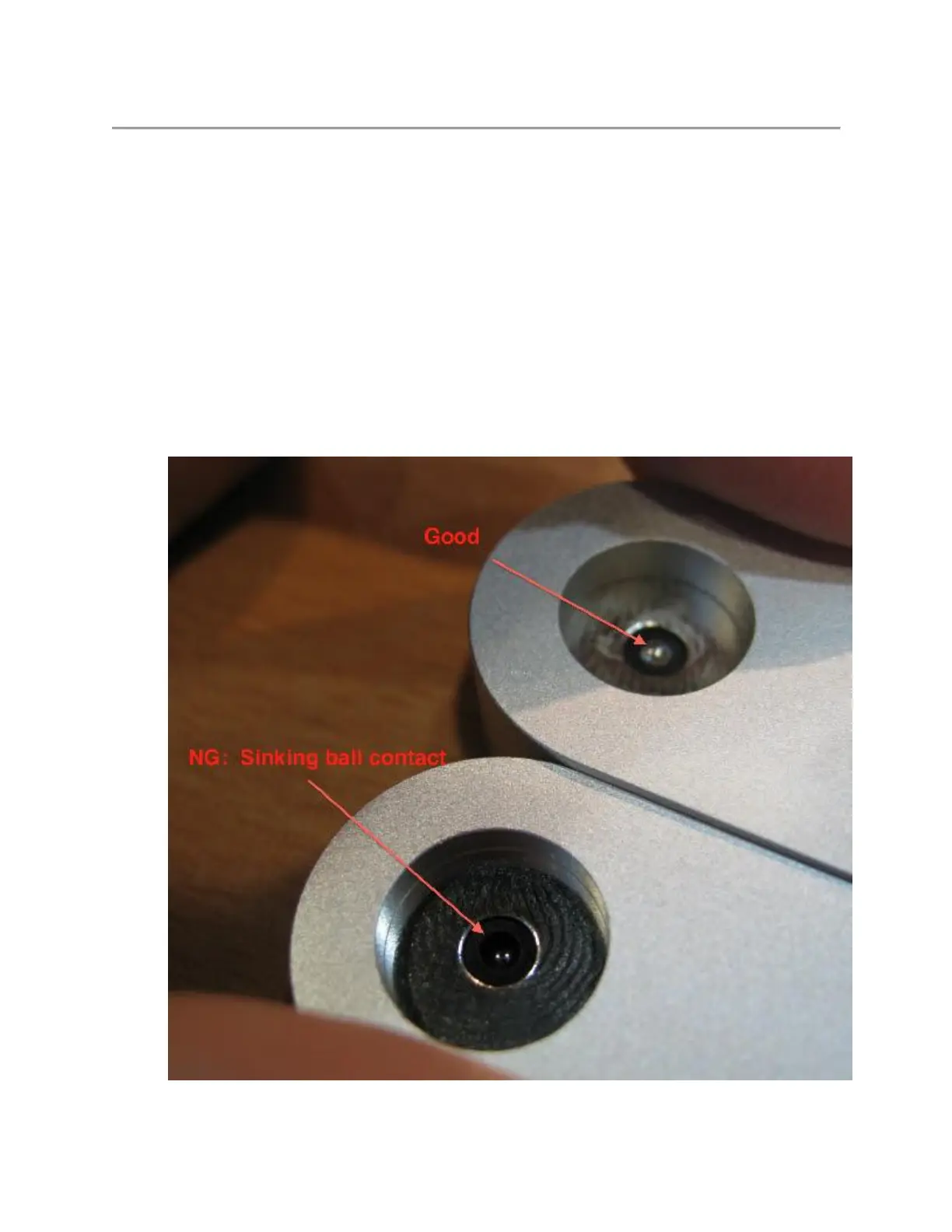
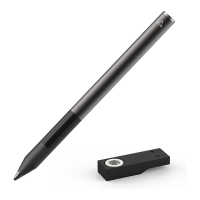
2) Check the small, metal ball on the USB charger. Press down on it. The metal ball
should sink down further into the charger. Then it should come back up once you let go.
If the metal ball is sunken and does not spring back up then the USB charger may be
damaged. Please see the picture below for an example.


 To Next Page