below.
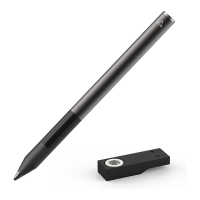
4) LED indicator - The LED indicator on the Pixel should light up when placed on the
charger.
A red pulsing light means it has low power.
A green light means it has full power or close to full power.
No light means the Pixel is getting no power. This may be an issue with the USB charger.
Fixes for the USB charger are listed further below this support page. Or it may indicate a
dead battery. If the stylus has been purchased within a year and from an official Adonit
distributor then you are eligible for an exchange.
*Clean the stylus
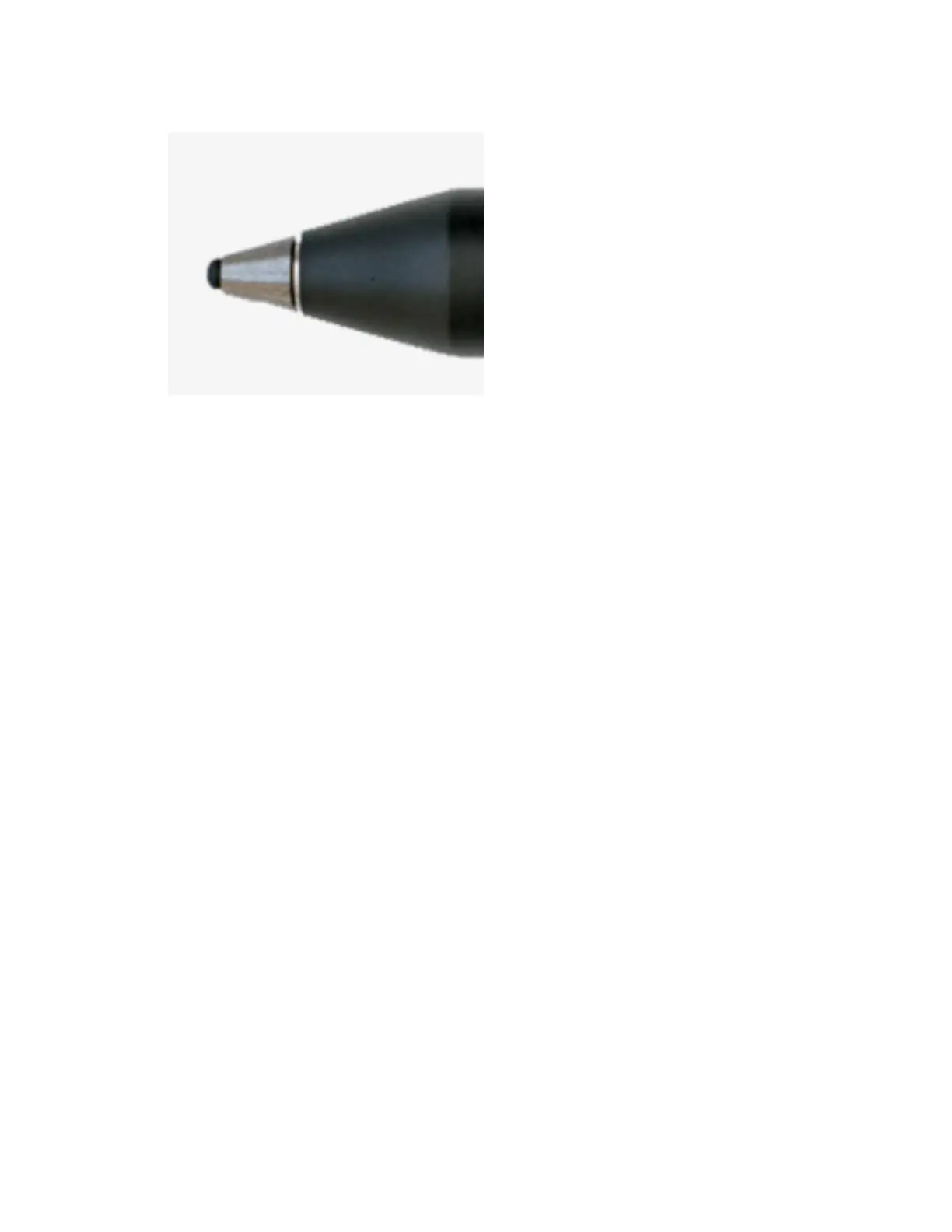
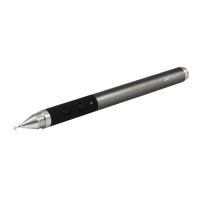
1) Clean the black tip on the stylus of any debris (i.e. dust, paper, adhesive, etc.).
Use a cotton swab dipped in a little rubbing alcohol, and gently wipe the black tip until
debris is removed.
2) Clean the stainless steel cone of any debris.
The stainless steel cone and black tip on the Pixel can be unscrewed for cleaning.
To remove the stainless steel cone, take the stylus and point it upward (so the tip is
pointing up). With one hand, hold the aluminum cone in place. With the other hand,
carefully twist the metal cone to the left (counter clockwise) until it comes off. Use a
cotton swab dipped in a little rubbing alcohol, and gently wipe the inside and outside of
the metal cone, as well as the screw threads, until debris is removed.
Securely screw the metal cone back onto the stylus by turning it to the right (clockwise)
until secured. NOTE: There is a small, natural gap between the stainless steel cone and
the aluminum cone.
*Update compatible apps and firmware to the latest version.
*Determine if it's an issue with the Pixel or the app. Test the pixel on at least two apps to see if
the problem persists. If the problem only shows up on one app, then it may be an issue with the
app. Listed below are some apps compatible with the Pixel and how to pair with them.


 To Next Page