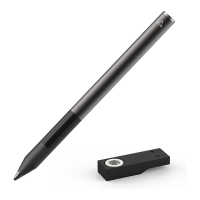
3) Make sure the stylus is fully plugged into the USB charging port. The LED power
indicator should turn on to indicate the stylus is charging. If the LED power indicator
does NOT turn on then try rotating the stylus while in the charger, as well as, removing
and putting the stylus back in the charger several times to see if the LED power indicator
turns on.
4) Plug the USB charger into different USB ports. Some ports may be damaged so you'll
want to try out different USB ports on your computer or even a different computer's USB
ports.
5) Plug the USB charger into a USB wall charger. Some laptop USB outlets may not
provide enough power to charge the stylus.
6) Leave the stylus to charge overnight.


 To Previous Page